Digital planners · GoodNotes · iPad
Digital planners for GoodNotes and iPad.
Ready-made, or built your way.
Hyperlinked digital planners for GoodNotes, Notability and any PDF app, dated for 2026, 2027 or the year you pick, with tabs on every edge, templates and note paper. Buy one ready-made, or build your own in the studio.
Sell planners? Create and license your own in the studio →
tap a date, land on the day ↑
- 619
- pages, one click
- 43,570
- working links
- 5s
- to build a full year
Shop
Shop digital planners by type
Dated 2027 planners, ADHD and student planners, productivity planners, GoodNotes templates and stickers: every one a hyperlinked PDF for GoodNotes and your iPad.
- Digital PlannersEvery hyperlinked planner we sell, for GoodNotes and iPadShop digital planners →
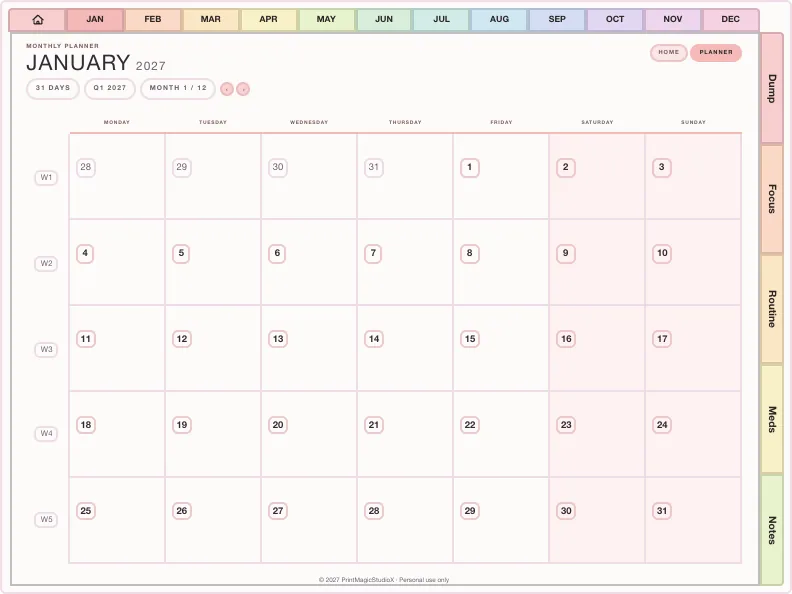
- 2027 Digital PlannerDated January to December 2027, Monday or Sunday startShop 2027 planners →
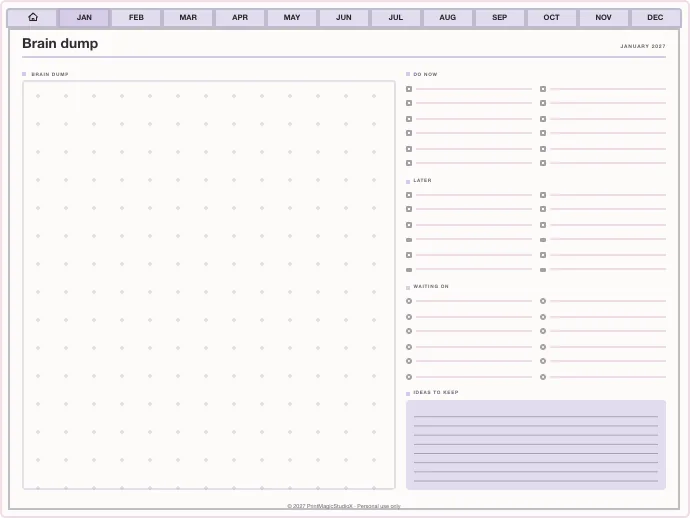
- ADHD Digital PlannerEvery section one tap away, brain dump to meds and moodShop ADHD planners →
- Student Digital PlannerAcademic year planners with assignments, exams and Cornell notesShop student planners →
- Productivity PlannerGoals, projects, time blocks and 26 productivity methodsShop productivity planners →
- Budget PlannerMonthly budgets, bills, debt payoff and savings trackersShop budget planners →
- GoodNotes TemplatesPlanner layouts, single pages and note paperBrowse GoodNotes templates →
- Digital StickersPNG sticker and clipart packs for your planner pagesShop digital stickers →
- Free TemplatesClean, unwatermarked pages to download and keepGet the free templates →
100% free!
From our shop
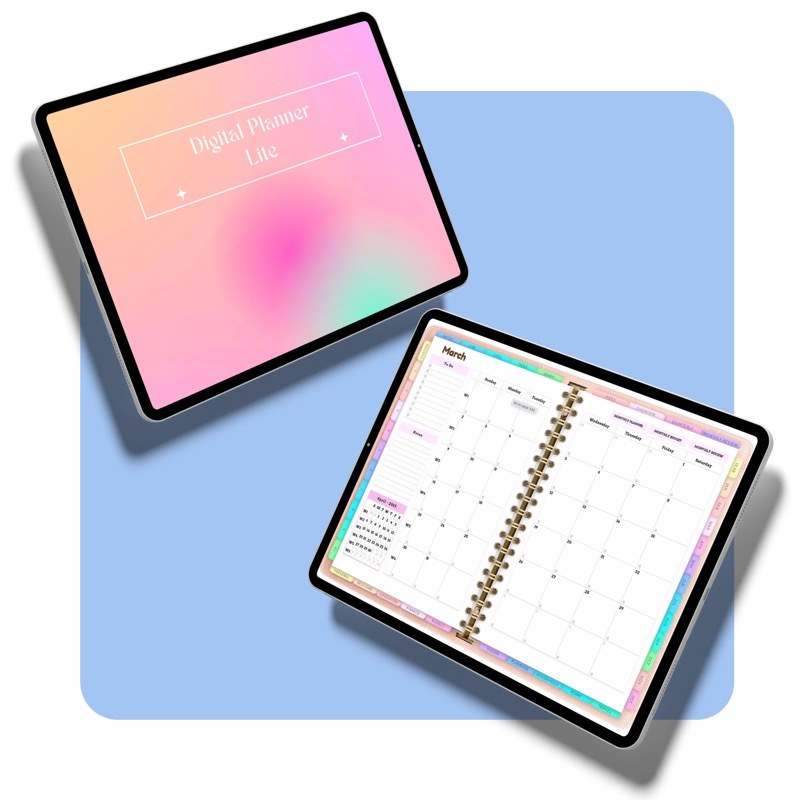
Never planned digitally? Start with the free one.
The Digital Planner Lite is our free starter planner: undated monthly, weekly and daily pages, ready for GoodNotes, Notability or any PDF note app. Take it, try the pen, and when you want a dated year with your own tabs and colours, the studio is right here.
no email hoops, just the planner ✿
Ready-made planner
The All-in-One Digital Planner. Built your way, every year.
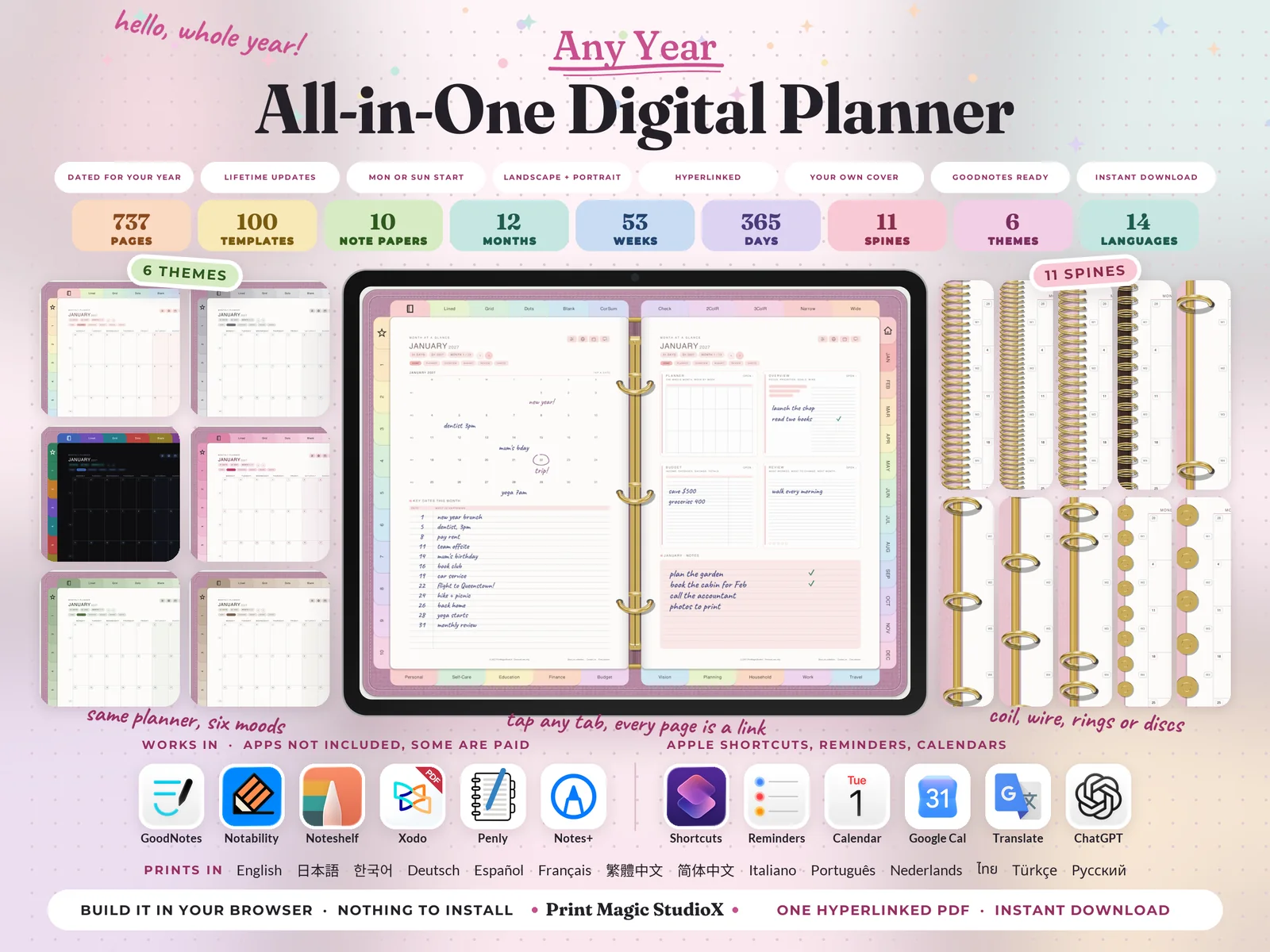
749 hyperlinked pages, 100 templates, six themes, eleven ring and spine styles and fourteen languages. After checkout you make nine choices and it builds in your browser, and the same order builds next year's edition too.
one planner, any year ✿
For creators and sellers
Three steps, then it is a product
Bring the layout
Start from one of your own designs or a template in the library. The layout is the part you already have.
Set the year and the tabs
Choose a start month, a page size, and which categories sit on the rail. Every date and every tab is built from that.
Use or sell the file
Download a hyperlinked PDF to plan on yourself, or list it. One payment for the licence, from US$1.99, about US$13.99 for a full dated year, then keep every sale.
Category tabs
The rail does the remembering
Pick the categories your buyer actually needs and they become a vertical rail down the right edge of every page, the layout the big ADHD planners use, because one tap beats scrolling through four hundred pages.
and 5,649 more, keep typing to narrow it down
What it does
The tedious half, automated
Dates that build themselves
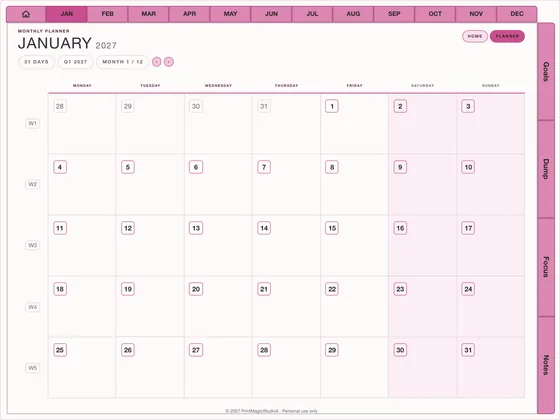
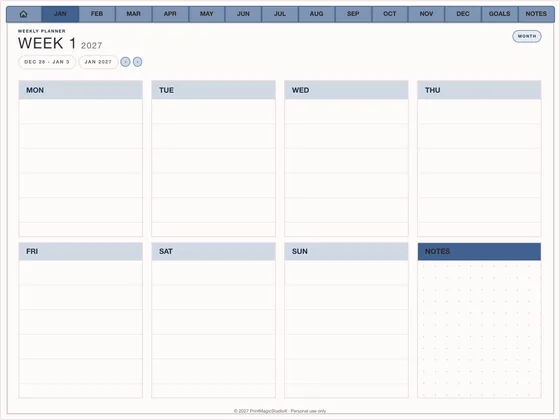
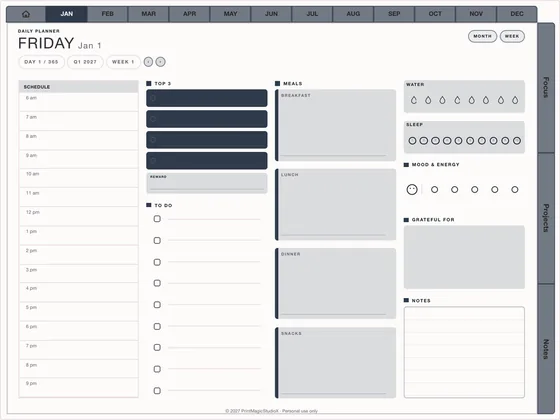
Pick a year and the whole thing appears: month grids, weekly spreads, a page for every day, aligned to the weekday you chose.
Two tab rails, like the big ones
Months across the top, categories down the side. Brain dump, routines, meds and bills are always one tap away, from any page.
Real hyperlinks, not images
Tab rails, tappable dates and previous/next arrows are proper PDF link annotations. They work in GoodNotes, Notability and Noteshelf.
One design, five sizes
The same planner renders to tablet landscape, tablet portrait, A4, Letter and A5. Layouts reflow rather than stretch.
Files small enough to email
Repeated page furniture is drawn once and reused, so a 619-page planner comes to about 10 MB.
Built on your machine
The PDF is assembled in your browser. No queue and no account needed to try it. Only a phone that cannot manage the build sends its choices to us.
Template library
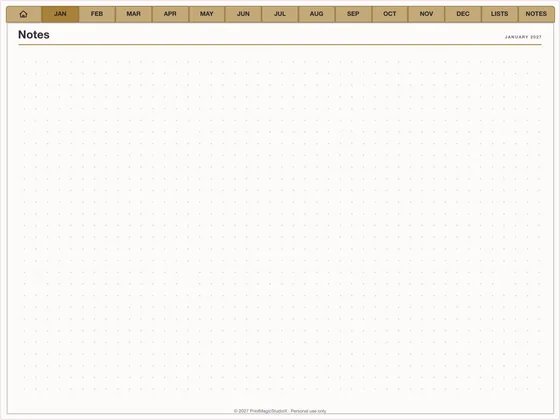
Start from a layout that already sells
Pricing
A planner costs what is in it
No subscription and no per-sale cut. The price follows the pages: one template is pocket change, a full dated year with everything switched on stops at US$8.99, and building one for yourself is always free.
US$0.99
one template
A single note paper or layout, dated and hyperlinked, ready to list.
US$8.99
a full planner
Every month, week and day, nine categories, every template. The ceiling.
×2
to sell it
Twice the planner buys the commercial licence: your name on every page, and every sale is yours.
For sellers
A commercial licence, from the first file
Sell the PDFs on Etsy, your own shop, Gumroad, wherever. Checkout runs on Stripe, so the money lands in your account, not ours.
How selling works- ✓One payment per planner: a full year with every integration is US$8.99
- ✓Keep 100% of every sale
- ✓No attribution required on the file or the listing
- ✓Re-export the same planner for a new year in one click
- ✓Bundle tablet, A4 and A5 sizes into a single listing
Questions
Which apps and devices do the planners work on?+
Any app that writes on PDFs and follows their links: GoodNotes, Notability, Noteshelf, Xodo, Penly and others, on an iPad with an Apple Pencil or an Android tablet. The reMarkable Paper Pro has an edition of its own.
Can I get a 2027 digital planner?+
Yes. The All-in-One Digital Planner builds 2027, or the year you pick, with a Monday or Sunday start, and the same order builds each year after. The studio dates anything it builds for any year and any start month.
What does it cost?+
The All-in-One Digital Planner is US$7.99, down from US$9.99 until 30 November, every year's edition included. In the studio, building a planner and downloading its watermarked sample is free; the full file is priced by what is in it: a single template is US$0.99, a full dated year about US$6.99, and with every integration on it US$8.99, which is the ceiling. Commercial doubles the planner. The studio shows the breakdown live.
Do the links work in GoodNotes?+
They do. The planner uses standard PDF GoTo annotations, which every major tablet note app supports.
Can I get the side tabs the ADHD planners have?+
That is the default. Set the tab layout to Both and pick your categories, and they become a vertical rail down the right edge, with the active one sitting proud of the page.
I already have templates. Does that help?+
It is most of the work. This handles the tedious half: dating, hyperlinking and reflowing to each page size, so a design you already own becomes a listing in minutes.
What about undated planners?+
Turn hyperlinked navigation off and drop the daily pages to get a clean undated insert pack for printing.
Build one and see
The studio is free to use and generates a real, complete PDF. Nothing to sign up for.
Open StudioX