Student & academic planners
Student digital planner for the 2026–2027 academic year
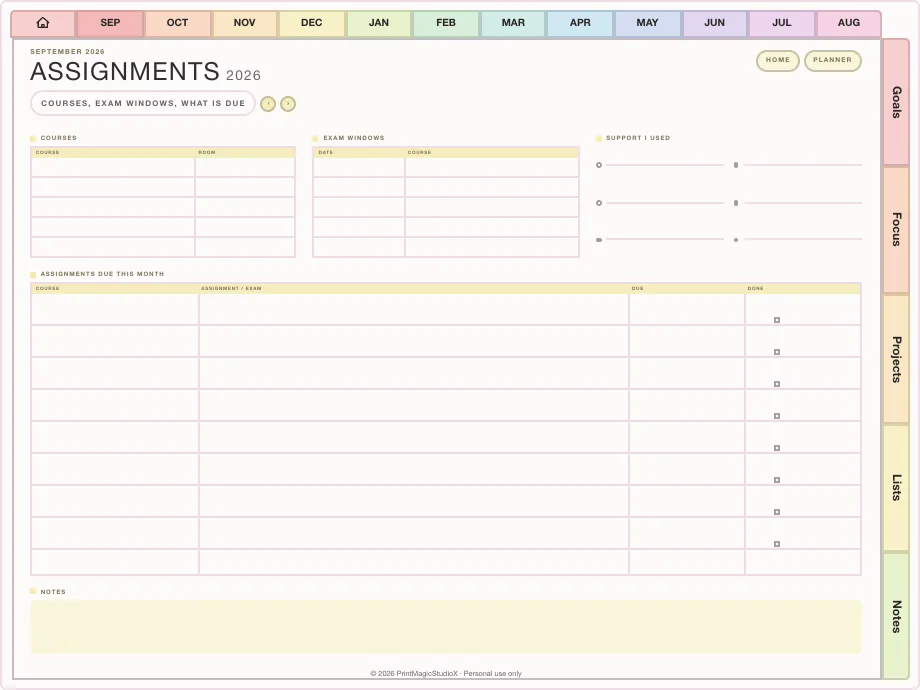
Plan the year the way terms actually run: assignments with due dates, exam revision, class timetables and Cornell notes, all hyperlinked in one file for GoodNotes on your iPad. Start in July, in January, or in any month you choose.
- July 2026 – December 2027
- Assignments & exams
- Cornell notes
- Portrait or landscape
deadlines, not panic ✿
Ready-made
Student planners ready to download
The Ultimate Study Planner is sold on our shop, in portrait or landscape. Each purchase includes all three themes with both week starts: six files in all.
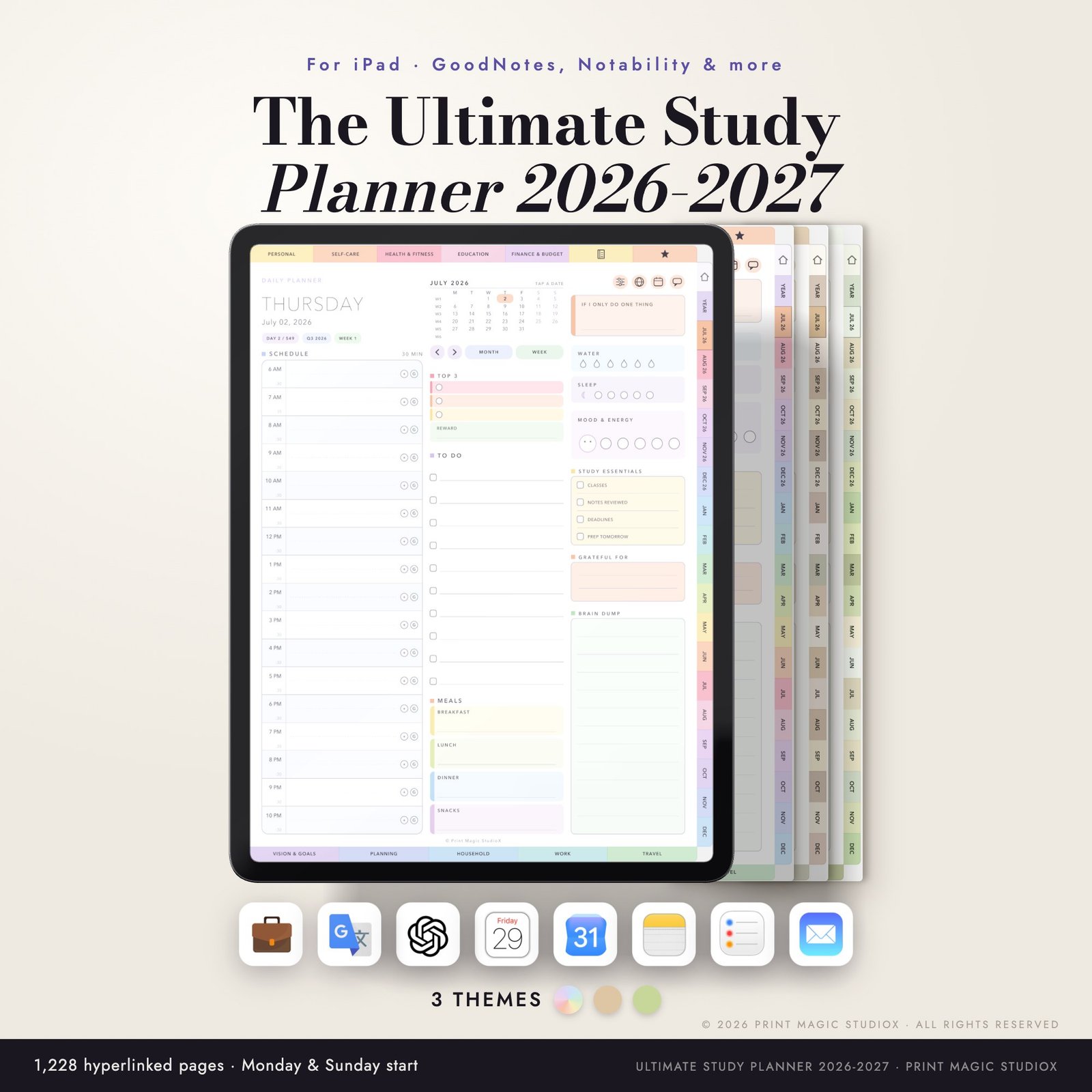
The Ultimate Study Planner 2026/27 (Portrait)
$20.00Eighteen months, July 2026 to December 2027: 1,228 hyperlinked pages, 146 templates and 80 paper styles, in three themes with both week starts.
From the shopPortraitJul 2026 – Dec 20276 filesOpens on our shop, shop.printmagicstudiox.com
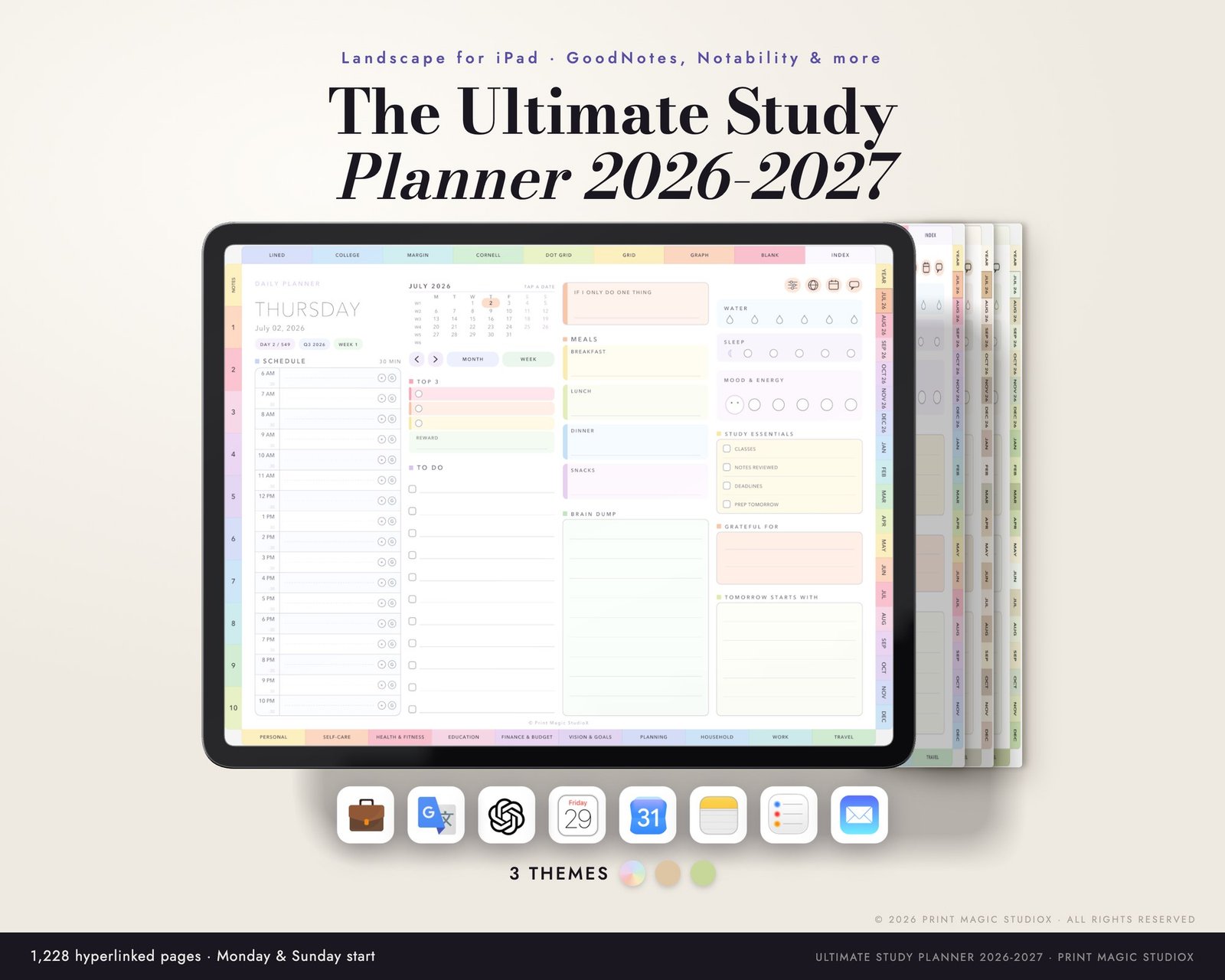
The Ultimate Study Planner 2026/27 (Landscape)
$20.00Eighteen months, July 2026 to December 2027: 1,228 hyperlinked pages, 146 templates and 80 paper styles, in three themes with both week starts.
From the shopLandscapeJul 2026 – Dec 20276 filesOpens on our shop, shop.printmagicstudiox.com
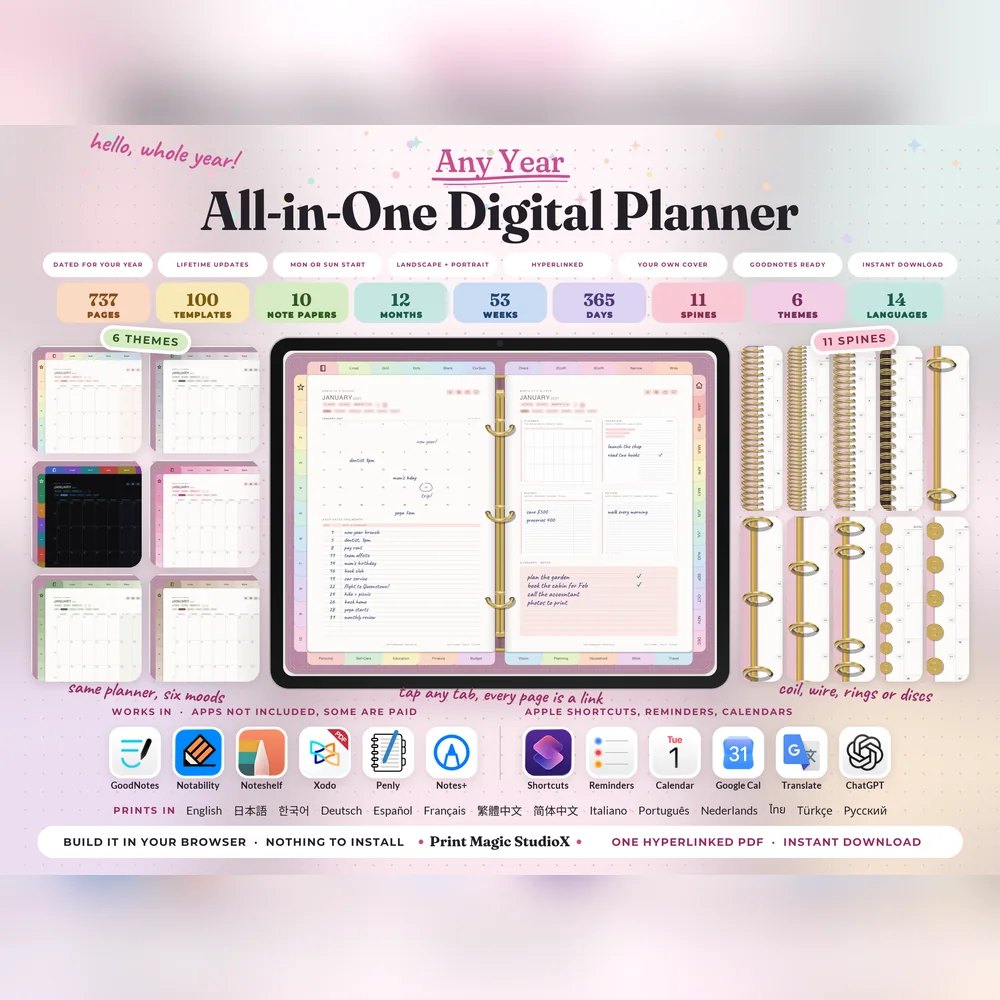
All-in-One Digital Planner
US$9.99US$7.99The all-rounder, with an Education tab of ten study templates: study schedule, assignment planner, revision tracker, grade tracker and more.
Built your wayAny yearEducation tab
Built to order
Build a study planner your way
Start it in the month your term starts, add the subjects you take as tabs, and try the free watermarked sample before you pay. The Study Planner comes to 585 pages for US$6.49.
Study Planner
US$6.49Built around terms and deadlines: study, assignment and exam revision planners, a reading log and a grading tracker, with Cornell notes throughout.
Built in the studio585 pagesDated 2027Free sample first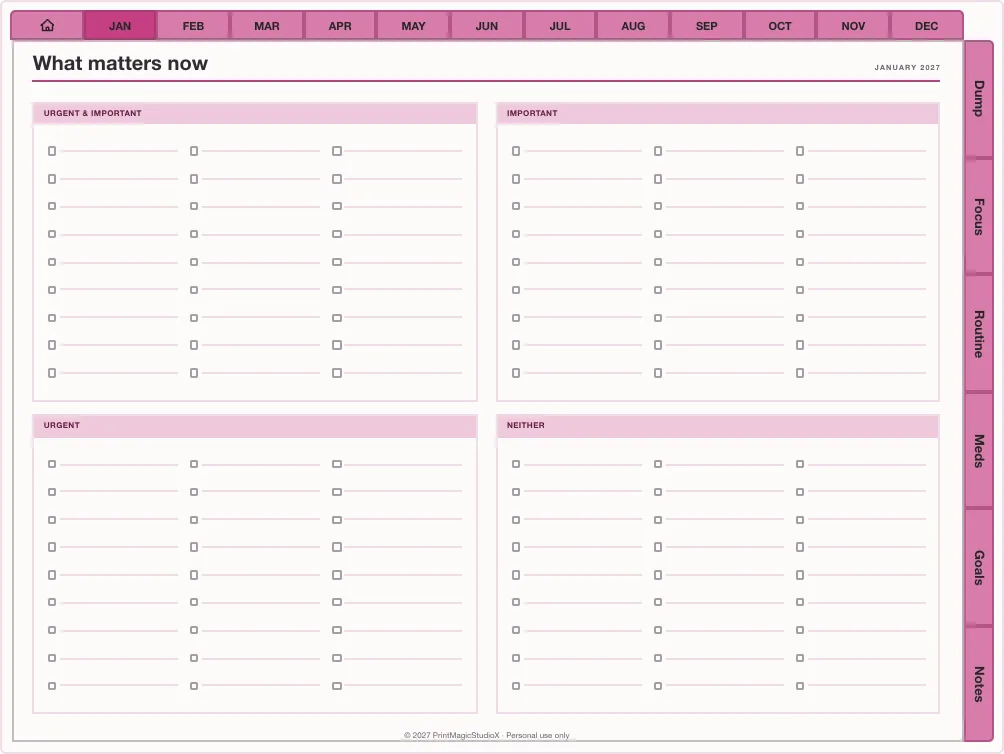
ADHD Study Planner
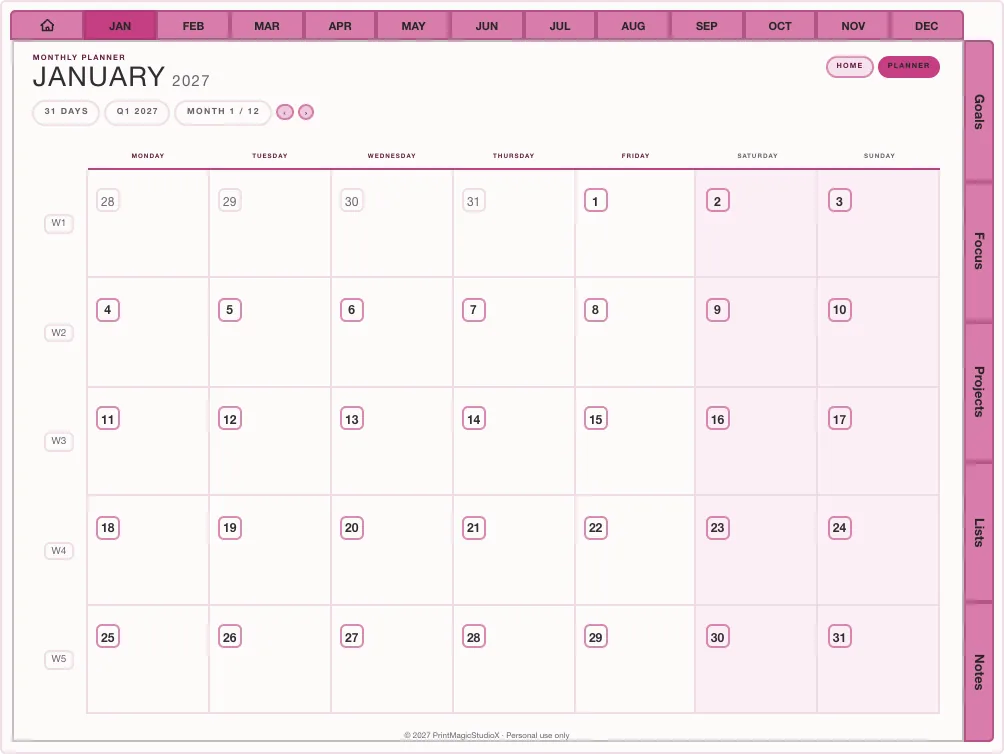
US$6.49The study pages with a brain dump, focus quadrants and routines one tap away down the edge of every page.
Built in the studio587 pagesDated 2027Free sample first
What is inside
The pages a student uses every week
Assignments with due dates
An assignment tracker and an assignments page behind every month, so nothing is found the night before.
Exam revision planners
Break a syllabus into evenings and tick topics off as they go in.
Cornell notes
Cue column, notes and summary strip: the Study Planner's house paper, behind its own tab next to your week.
Reading and grades
A reading log and a grading tracker in the Study Planner, for courses with continuous assessment.
Timetable and class pages
A weekly timetable and class information pages in the All-in-One's Education tab.
Hyperlinked everywhere
Tap a date or a tab and that page opens, from anywhere in the year.
Choosing between them? How to choose a student digital planner.
Study layouts
Term, semester and exam planners
Dated layouts from the template library, each ready to open in the studio and date for your year.
- Studio pick
Term Planner
US$4.49Two semesters, mapped
Student140 pages 
Teacher Year
US$4.49Terms, lessons, grading
Student180–240 pages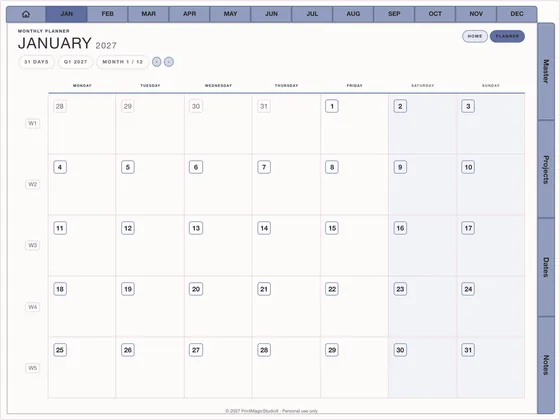
Semester Split
US$4.49Two terms, one file
Student200–260 pages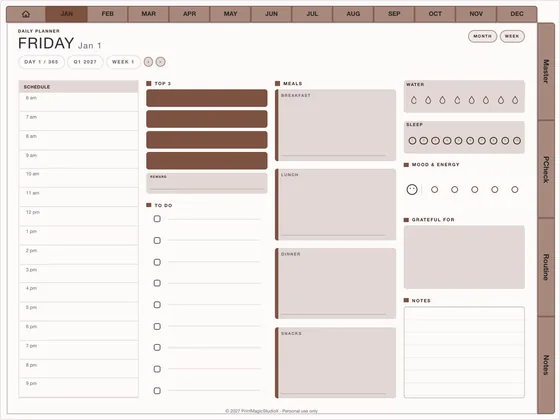
Exam Countdown
US$5.99Revision, scheduled
Student120–160 pages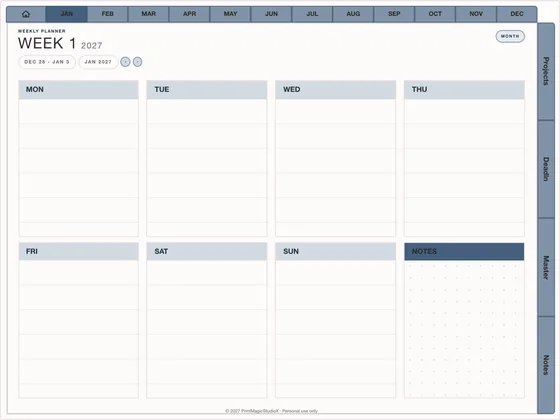
Thesis Year
US$4.49Chapters, not panic
Student180–240 pages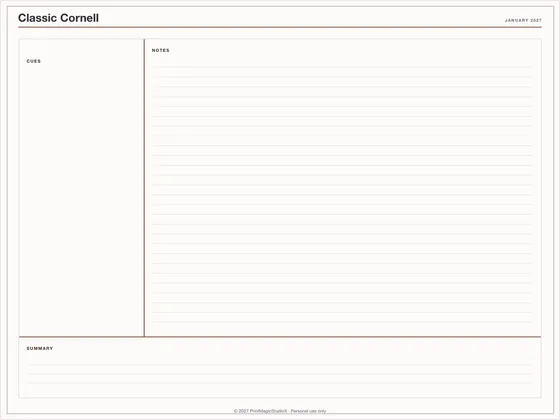
Classic Cornell
FreeCornell
Notepapers1 page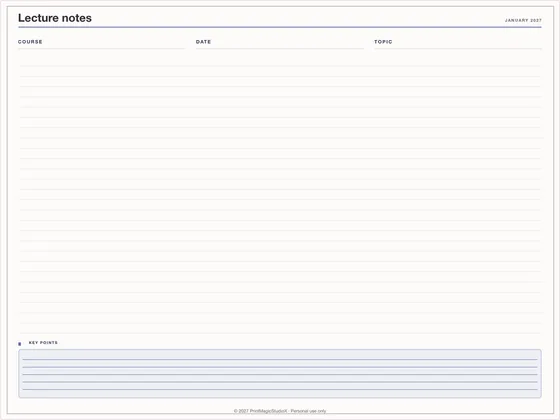
Lecture notes
US$0.99Study notes
Notepapers1 page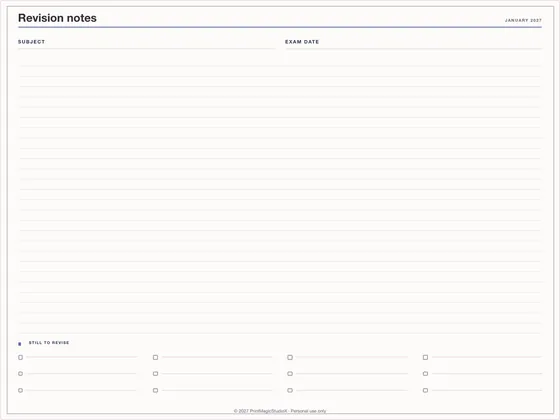
Revision notes
US$0.99Study notes
Notepapers1 page
Compatibility
What you need
Write in it with
GoodNotes, Notability, Noteshelf, Xodo, Penly, any PDF annotation app.
On
An iPad with an Apple Pencil, an Android tablet with a stylus, or a laptop for reading.
The Apple Calendar and Shortcuts hand-offs work on iPhone and iPad; Google Calendar links open in any browser.
How it works
Ready before the first lecture
01
Pick your planner
Buy the Ultimate Study Planner, or build a study planner in the studio starting in your month.
02
Download the PDF
Shop planners download straight after checkout; studio planners build in your browser.
03
Set up the term
Import it into GoodNotes, then fill in your timetable and first deadlines. The planner guide shows how.
Questions
About student planners
What is the difference between an academic and a calendar-year planner?
An academic planner starts when the school year does, usually July, August or September, and runs through the exams. A calendar-year planner runs January to December, which suits school years in New Zealand and Australia that start in January or February.
When does the student planner start?
The Ultimate Study Planner runs eighteen months, from July 2026 to December 2027. A planner built in the studio starts in any month you choose and runs for up to 24 months.
Can I take class notes in it?
Yes. The study planners carry note paper behind their own tabs, with Cornell pages as the house paper in the Study Planner and 80 paper styles in the Ultimate Study Planner.
Which iPad apps does it work in?
GoodNotes, Notability, Noteshelf, Xodo and any PDF annotation app. It is one hyperlinked PDF: tap a date or a tab and that page opens.
Is there a planner for teachers?
Yes: Teacher Year in the template library is a dated planner arranged around a teaching year, with month grids for terms, weekly spreads for lesson flow and an assignments tab.
Shop by type
- Digital PlannersEvery hyperlinked planner we sell, for GoodNotes and iPadShop digital planners →
- 2027 Digital PlannerDated January to December 2027, Monday or Sunday startShop 2027 planners →
- ADHD Digital PlannerEvery section one tap away, brain dump to meds and moodShop ADHD planners →
- Productivity PlannerGoals, projects, time blocks and 26 productivity methodsShop productivity planners →
- Budget PlannerMonthly budgets, bills, debt payoff and savings trackersShop budget planners →
- GoodNotes TemplatesPlanner layouts, single pages and note paperBrowse GoodNotes templates →
- Digital StickersPNG sticker and clipart packs for your planner pagesShop digital stickers →
- Free TemplatesClean, unwatermarked pages to download and keepGet the free templates →
Guides
- GuideHow to choose a student digital planner for the 2026–2027 school yearAcademic or calendar year, the pages that matter, and where your notes should live.
- GuideHow to use Apple Calendar and Google Calendar with a digital plannerA PDF cannot sync, but it can hand off: Reminders, Google Calendar and Shortcuts from the page.
- GuideMonday or Sunday start planner: which week should you choose?What actually changes on the page, and a simple way to decide.