Budget & finance planners
Digital budget planner for GoodNotes and iPad
Give every dollar a page: monthly budgets, bills by payday, debt payoff, sinking funds, savings jars and net worth, written in by hand in GoodNotes. Budget zero-based, 50/30/20 or payday by payday, and watch the debt ladder come down a rung at a time.
- Monthly budgets
- Debt payoff ladder
- Sinking funds & savings
- From US$1.49
every dollar, a page ✿
Ready-made
Budget planners ready to build
One payment, and the planner builds to your choices after checkout: your year, the way round, the theme and the language. Every year after, the same order builds the new edition.
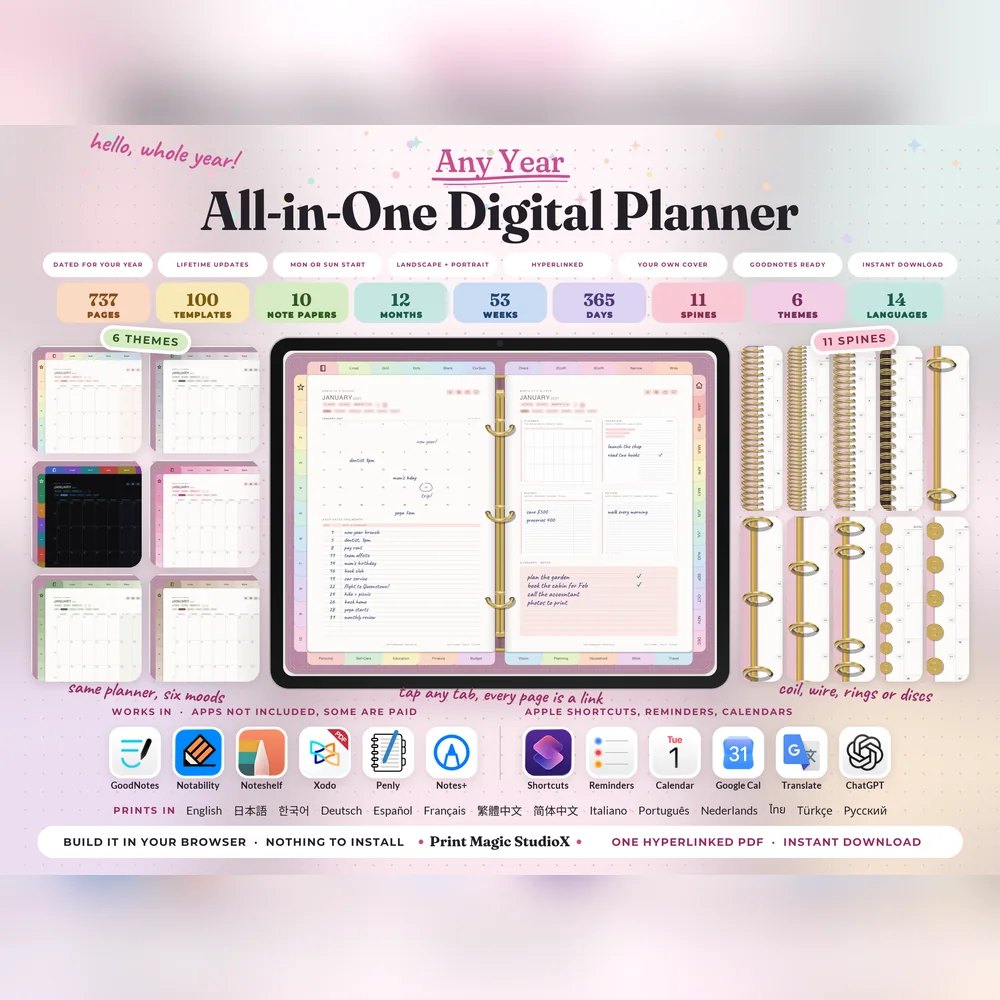
All-in-One Digital Planner
US$9.99US$7.99749 hyperlinked pages, 100 templates in ten categories, six themes and eleven spines. Build it after checkout, and every year's edition after that.
Built your wayAny year100 templates14 languages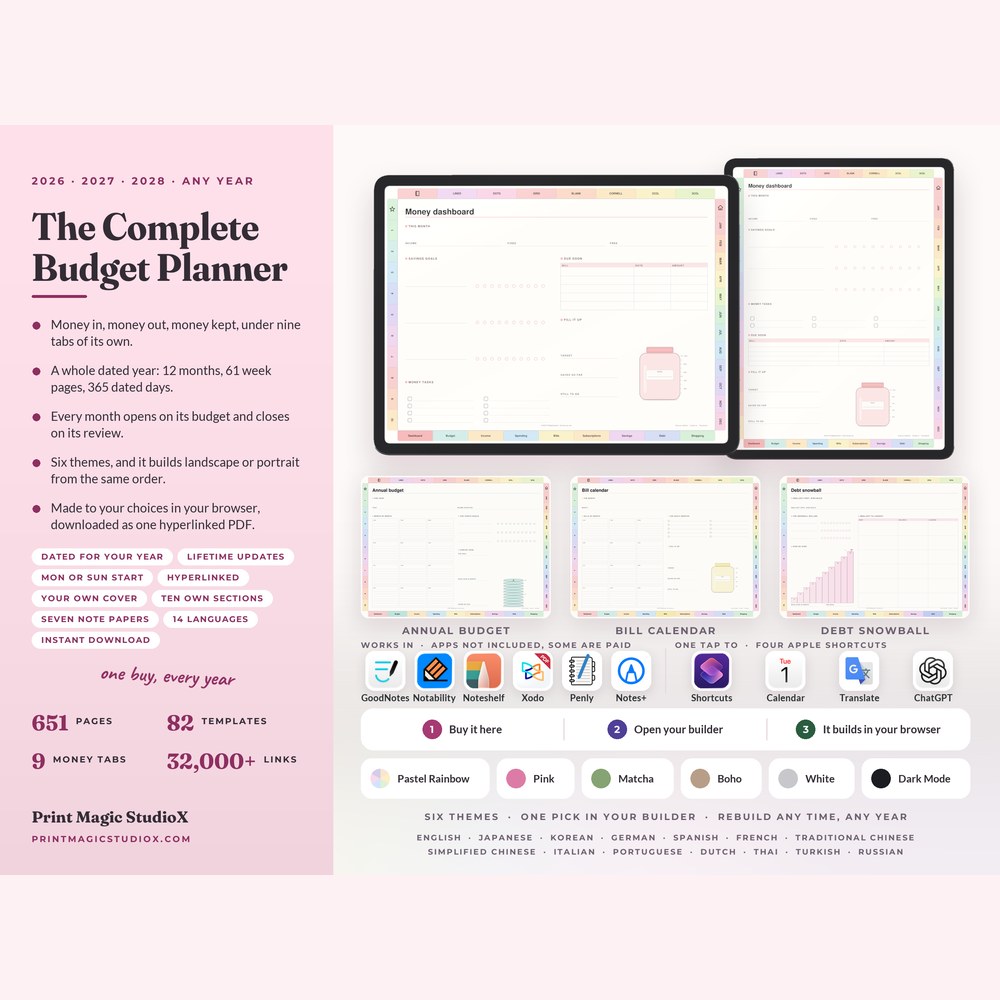
The Complete Budget Planner
US$9.99US$7.99651 pages with a budget and a review behind every month, and 82 money templates in nine tabs: pay logs, bills, sinking funds and debt payoff.
Built your wayAny year82 templates9 money tabs
Built to order
Or build your own in the studio
The Finance Planner opens in the studio already built: 206 pages for US$4.49, with a free watermarked sample to try in your app before you pay.
Money Map
Money Map Complete Set: All 62 money layouts, eight tabs
Every layout in the Money Map planner, in the order the book keeps them: the money map and the account pages, three ways to budget, the bills three ways, the savings jars and both challenges, the payoff ladder and the debt ledgers, the balance sheet and the registers, the goals and the freedom number, and the reviews that close each month, quarter and year. The eight packs are these same pages sold a tab at a time. The whole set is US$6.99.
Money Map Complete Set
US$6.99All 62 money layouts, eight tabs
Finance113 pages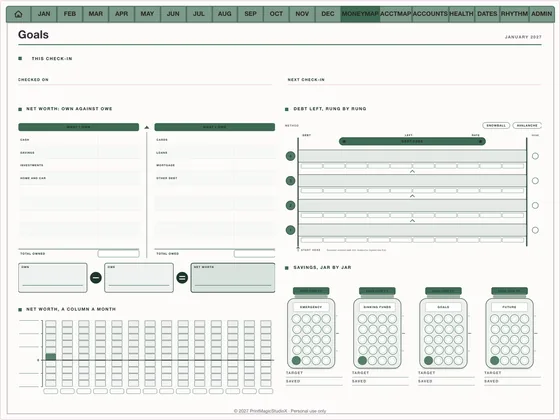
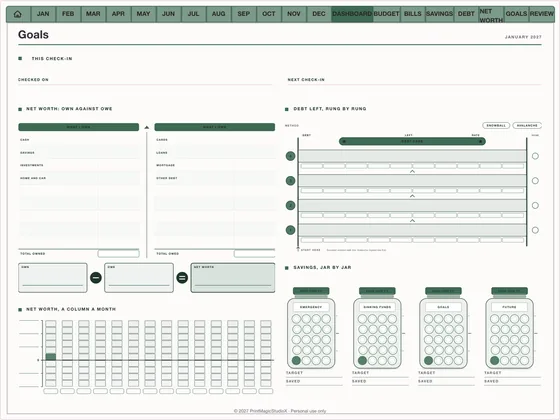
Money Map Dashboard
US$1.49Net worth, the debt and the jars on one page
Finance12 pages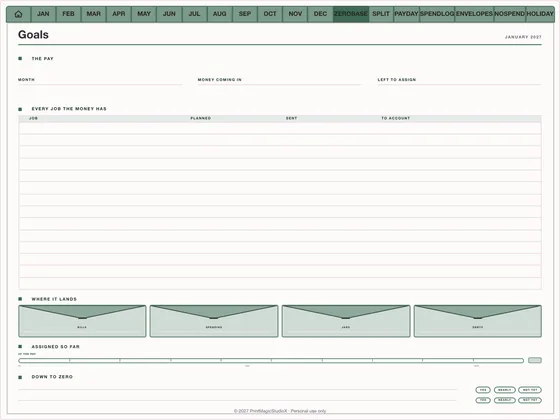
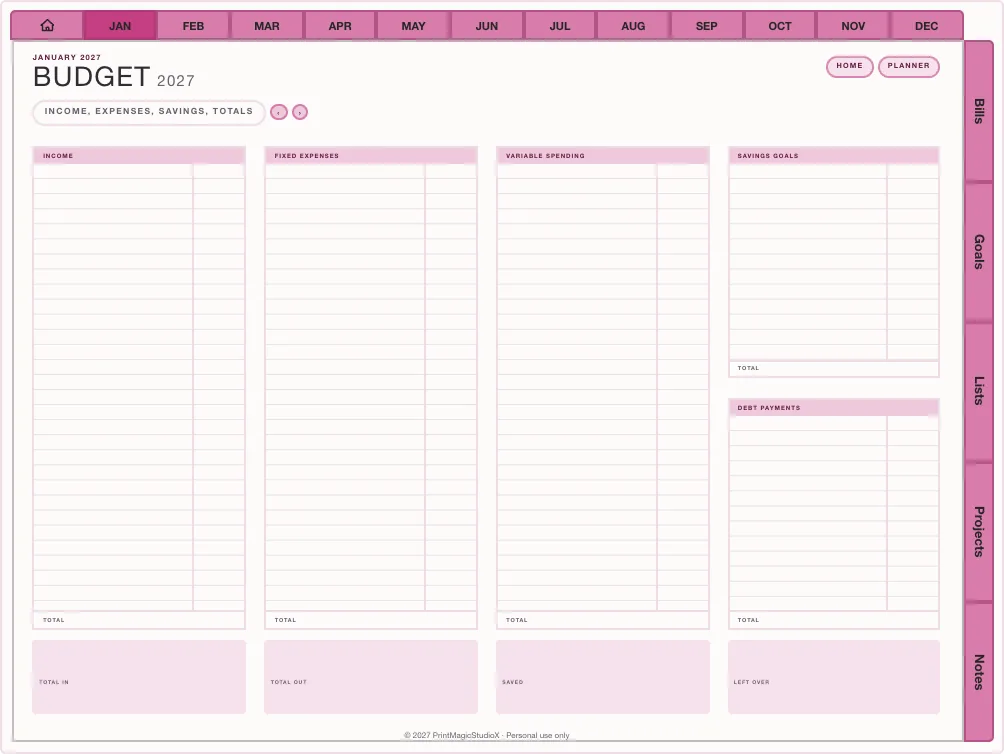
Money Map Budget
US$1.49Zero-based, 50/30/20 or payday flow
Finance13 pages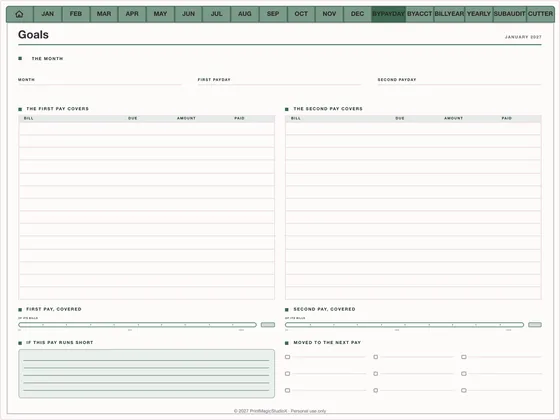
Money Map Bills
US$1.49Bills by payday, by account, by month
Finance8 pages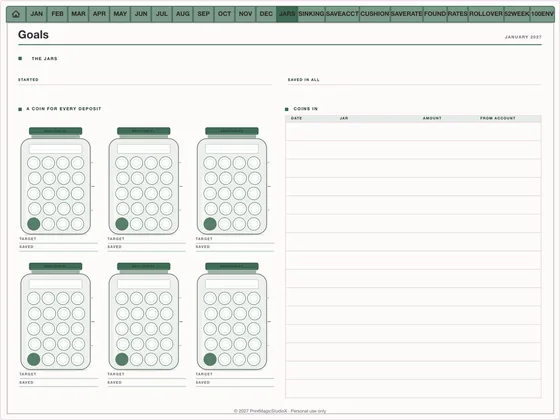
Money Map Savings Jars
US$1.49Six jars, sinking funds, 52 weeks
Finance16 pages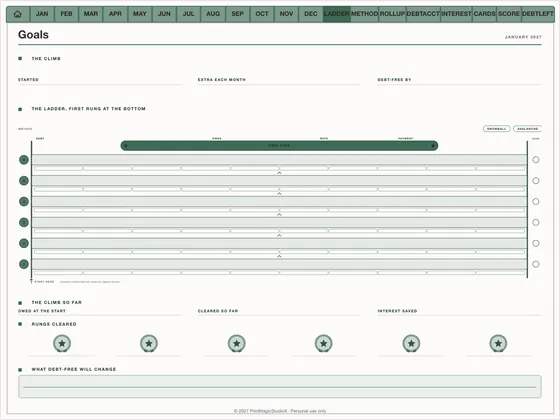
Money Map Debt Payoff
US$1.49The payoff ladder, rung by rung
Finance13 pages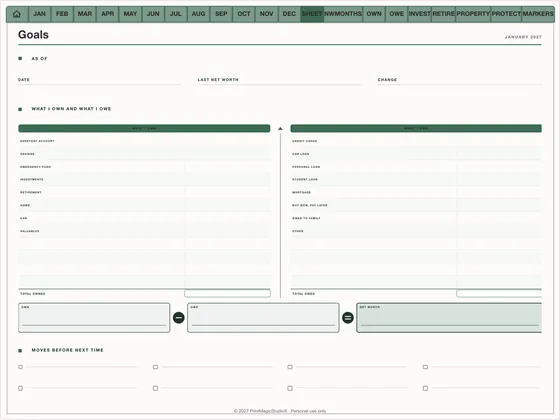
Money Map Net Worth
US$1.49Everything owned against everything owed
Finance14 pages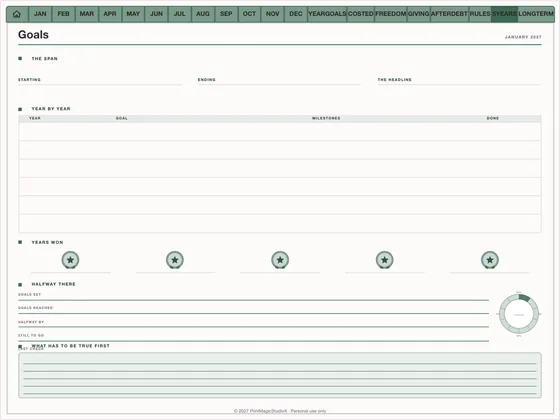
Money Map Goals
US$1.49Goals costed, the freedom number, five years
Finance9 pages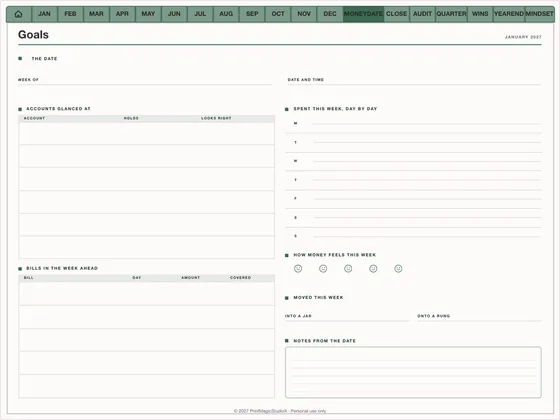
Money Map Reviews
US$1.49The weekly money date and the month-end close
Finance28 pages
Finance layouts
More budget planners from the library
- Studio pick
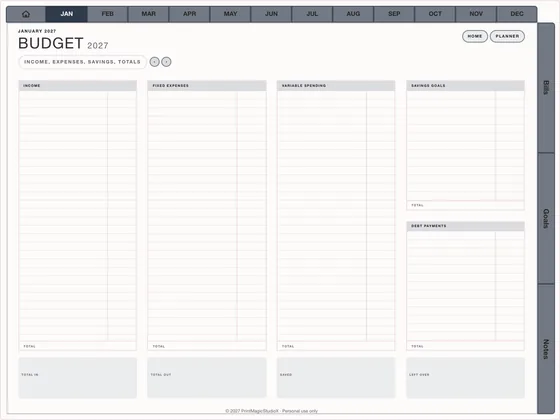
Budget Year
US$3.99Every dollar, accounted for
Finance70 pages 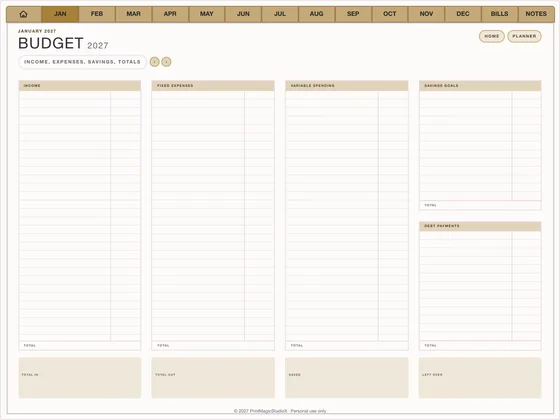
Sinking Funds
US$3.99Saving for the known unknowns
Finance30 pages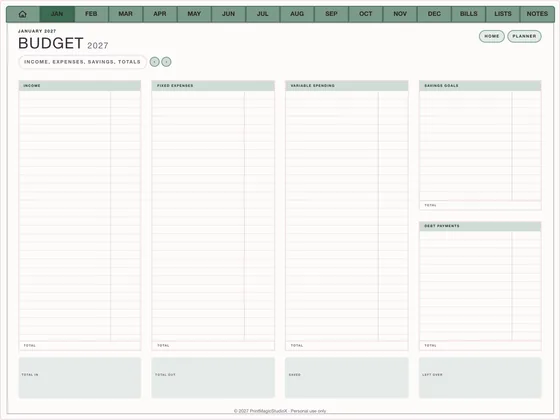
Money Minimal
US$3.99One budget, no clutter
Finance60–90 pages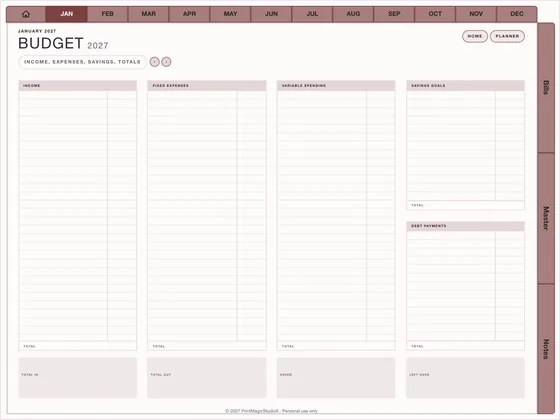
Debt Payoff
US$3.99Watch the number fall
Finance90–130 pages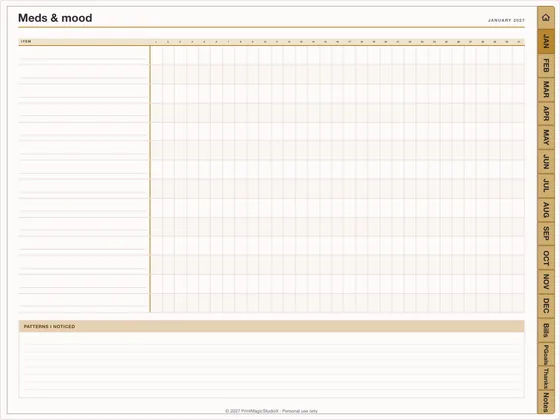
Savings Challenge
US$4.49Fill the trackers
Finance80–110 pages
What is inside
The pages that keep money on track
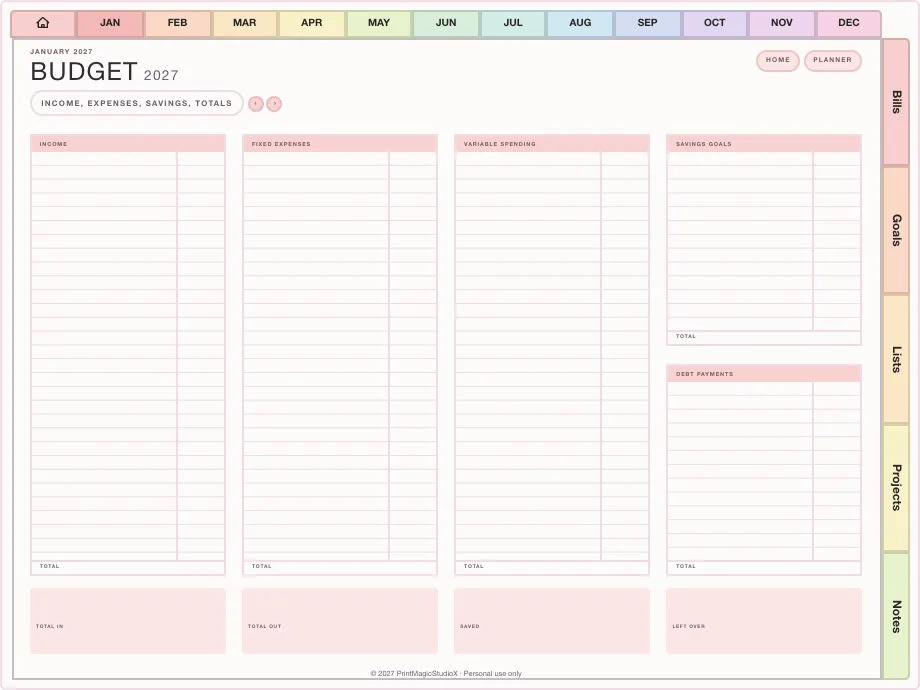
A budget every month
Income, fixed costs and variable spending on one page, month after month.
Three ways to budget
Zero-based, the 50/30/20 split, or payday by payday, on Money Map's budget pages.
Bills three ways
By payday, by account and by month, so nothing due is a surprise.
Debt payoff ladder
One rung a debt, snowball and avalanche side by side, cleared as each balance goes.
Sinking funds and jars
A fund per page with a fill bar, six savings jars and a 52-week challenge.
Net worth and reviews
Everything owned against everything owed, and a month-end close to keep it honest.
Compatibility
What you need
Write in it with
GoodNotes, Notability, Noteshelf, Xodo, Penly, any PDF annotation app.
On
An iPad with an Apple Pencil, an Android tablet with a stylus, or a computer.
How it works
From checkout to your first budget
01
Pick a planner or a pack
Build the Finance Planner in the studio, or start from a Money Map pack or a finance layout.
02
Try, then buy
The free watermarked sample builds the whole file, so you can check it in your app before you pay once.
03
Budget in GoodNotes
Import the PDF and start with this month. How to use it in GoodNotes.
Questions
About digital budget planners
Which budgeting methods can I use?
Money Map's budget pages give three ways to give each pay a job: zero-based down to nothing left, the 50/30/20 split, or payday by payday. The Finance Planner has a monthly budget page behind every month.
Can I track debt payoff?
Yes. Money Map Debt Payoff climbs a payoff ladder a rung a debt, with the snowball and avalanche orders side by side, and Debt Payoff in the template library puts the debt table at the front of every budget month.
Does it connect to my bank?
No. These are planners you fill in by hand in GoodNotes or any PDF app, which is the point for many people: writing each number down is what makes it stick.
Is the budget planner dated?
The Finance Planner is dated, 2027 to start with, and you choose the year and the start month in the studio. The Money Map packs are undated layouts you can use in any month.
Does it work in GoodNotes on iPad?
Yes. Each one is a PDF for GoodNotes, Notability, Noteshelf and any PDF annotation app, on an iPad or an Android tablet.
Shop by type
- Digital PlannersEvery hyperlinked planner we sell, for GoodNotes and iPadShop digital planners →
- 2027 Digital PlannerDated January to December 2027, Monday or Sunday startShop 2027 planners →
- ADHD Digital PlannerEvery section one tap away, brain dump to meds and moodShop ADHD planners →
- Student Digital PlannerAcademic year planners with assignments, exams and Cornell notesShop student planners →
- Productivity PlannerGoals, projects, time blocks and 26 productivity methodsShop productivity planners →
- GoodNotes TemplatesPlanner layouts, single pages and note paperBrowse GoodNotes templates →
- Digital StickersPNG sticker and clipart packs for your planner pagesShop digital stickers →
- Free TemplatesClean, unwatermarked pages to download and keepGet the free templates →
Guides
- GuideZero-based, 50/30/20 or payday: which budget method to useThree ways to give your pay a job, and how to run each one on a page.
- GuideDebt snowball or avalanche: which payoff order to useSmallest balance first, or highest interest rate? What each one costs you.
- GuideDigital planner vs paper planner: which one suits you?An honest comparison: cost, carrying, finding pages, backups and the feel of paper.