Free to download
Free digital planner templates
A hyperlinked 2027 calendar, a six-page student planner and three single pages from our library, given away as clean PDFs: a Cornell notes page, dot grid paper and a weekly planner. No watermark, no email address, no account — tap the button and the file is yours. They open in GoodNotes and any other app that writes on a PDF.
- No watermark
- No email needed
- A dated 2027 calendar
- GoodNotes, iPad & Android
Ours to give, yours to keep ✿
A whole year, free
The 2027 Calendar
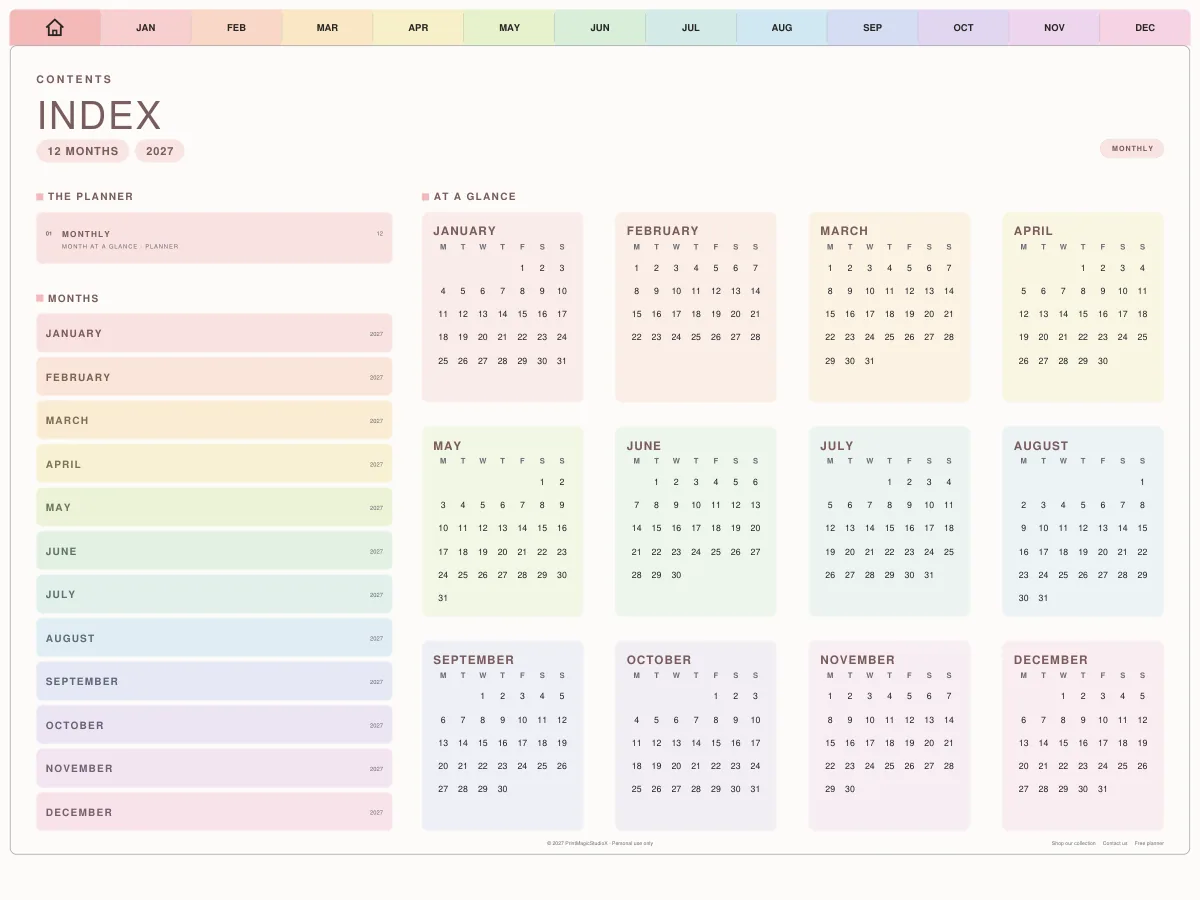
The whole of 2027 at a glance, then every month twice: a month at a glance and a full calendar, every tab and month name a link.
- ✓The year at a glance
- ✓Month at a glance
- ✓The month's calendar
- ✓Monday or Sunday start
A whole planner, free
The Student Planner
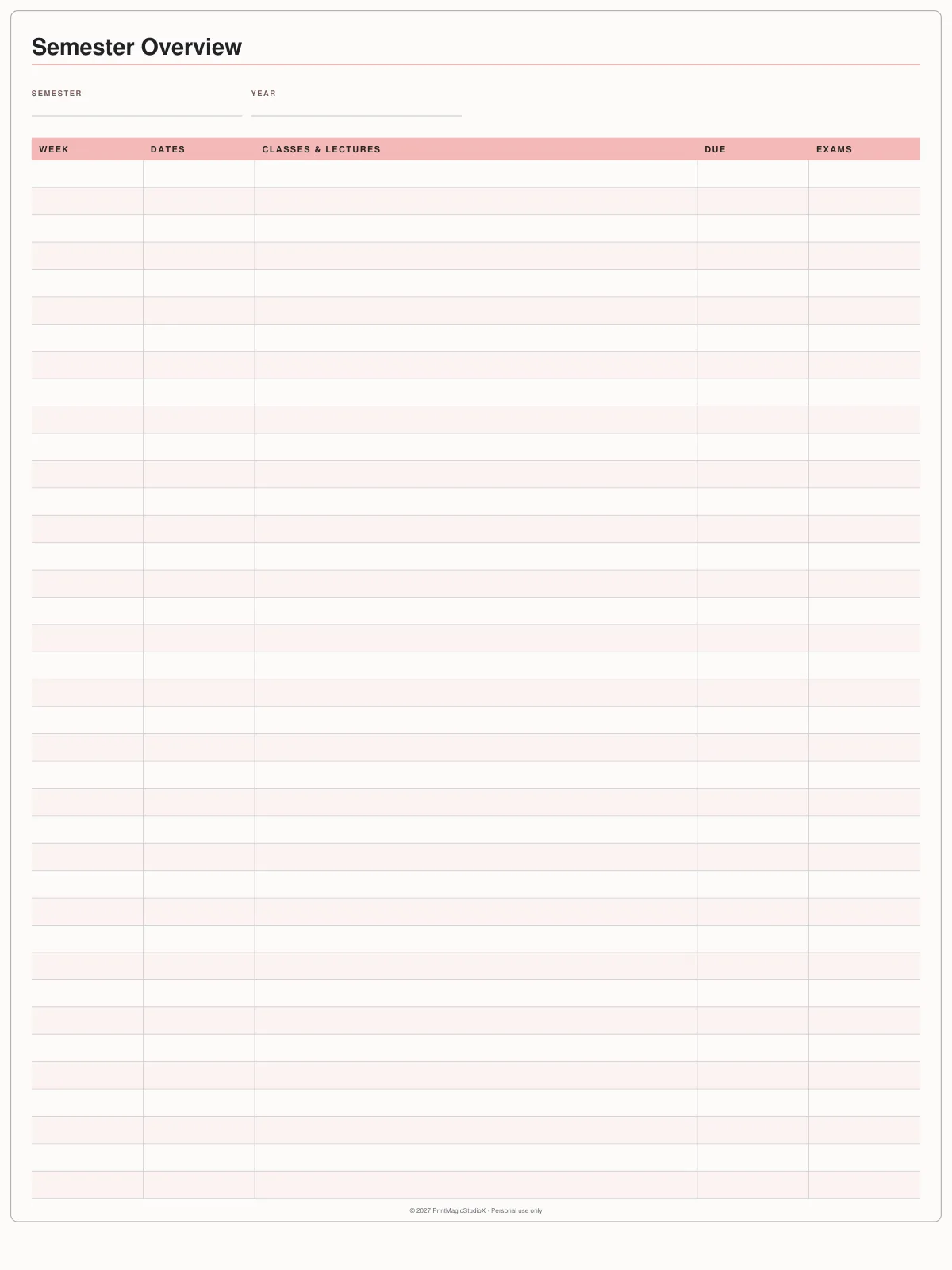
Six pages for a whole term: the semester, your timetable, assignments, exams, grades and lecture notes.
- ✓Semester Overview
- ✓Class Timetable
- ✓Assignment Tracker
- ✓Exam Timetable
- ✓My Grades
- ✓Lecture Notes
The free ones
Three single pages
Each one is a single sheet you duplicate as many times as you need. Tap the name to read what it is for and how to get the most out of it.
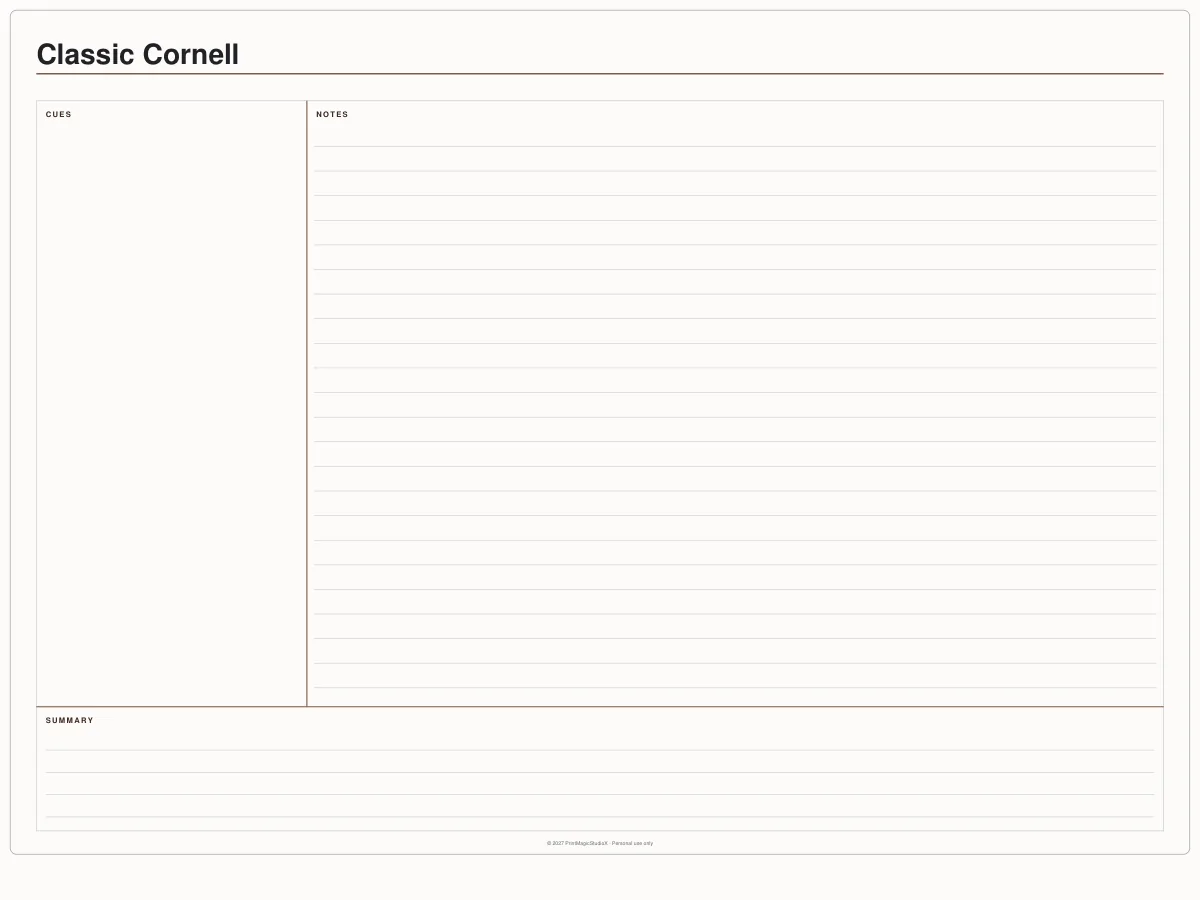
Classic Cornell
FreeThe three-part note page: cues, notes and a summary strip.
Classic dot grid
FreeA full page of dots, for handwriting that stays straight without lines.
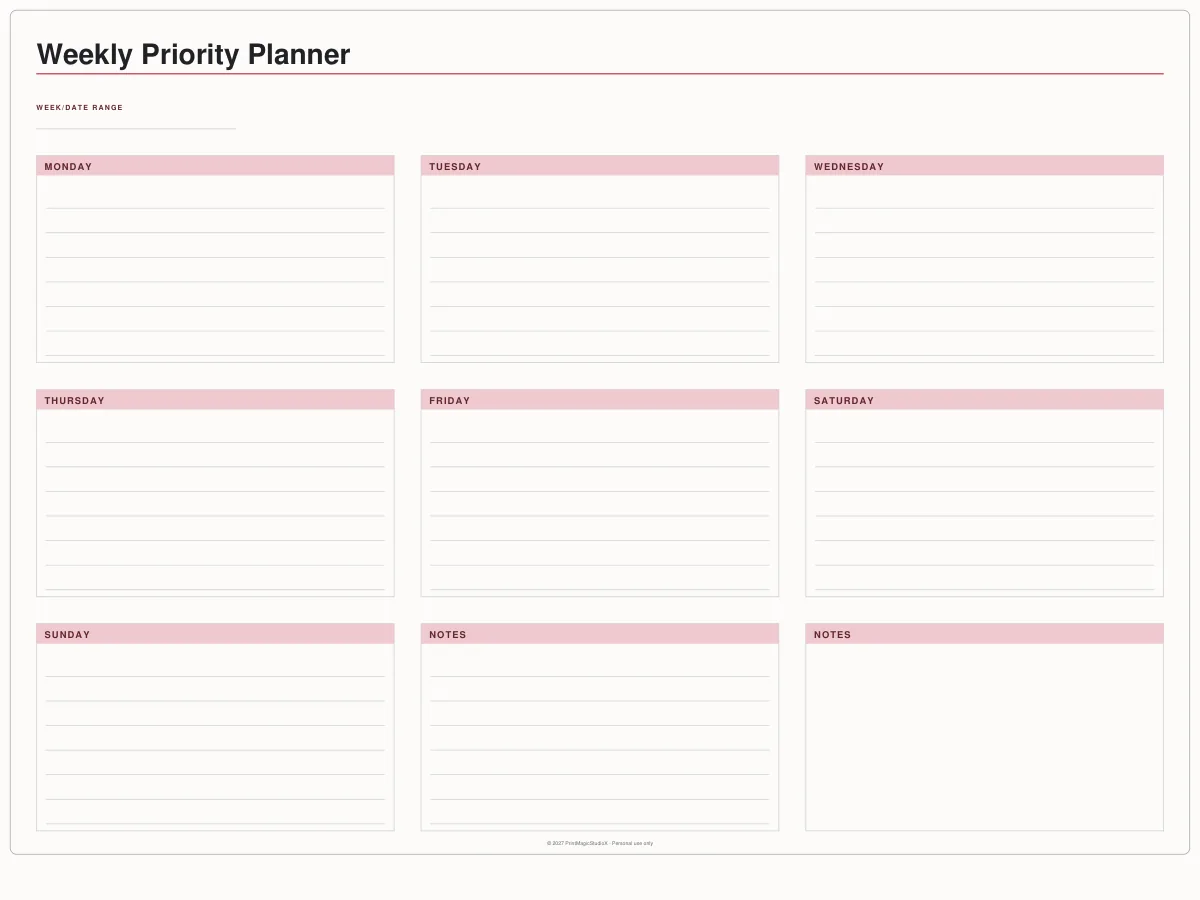
Seven day boxes and two notes panels, undated, so any week fits.
How it works
From the download to your first page
01
Download the PDF
No email, no account. The file saves straight to your device — on an iPad it lands in Files.
02
Open it in your app
In GoodNotes, tap the plus and import the PDF as a new notebook, or add it to one you already have. The full walkthrough.
03
Duplicate the page
Hold the page's thumbnail and choose Duplicate. Each file is one sheet on purpose, so you make as many as you need.
Compatibility
They open in the app you already use
Write in it with
GoodNotes, Notability, Noteshelf, Xodo, Penly, any PDF annotation app.
On
An iPad with an Apple Pencil, an Android tablet with a stylus, or a computer. They are ordinary PDFs, so nothing special is needed to write on them.
Undated, so they work in any year. They are tablet pages rather than A4 or Letter, so print them scaled to fit your sheet.
Questions
About the free templates
Are these really free?
Yes. They download as plain PDFs with no watermark, no email address and no account. They are yours to use for as long as you like.
What can I do with them?
Use them yourself, on as many of your own devices as you like, and print them. What you cannot do is sell them, or give them away as your own — each page carries a 'Personal use only' line in its footer. If you want to sell planners built from our layouts, the studio sells a licence for that.
Do I need GoodNotes?
No. They are ordinary PDFs, so they open in GoodNotes, Notability, Noteshelf, Xodo, Penly, Apple's own Files and Books, and any PDF app on an Android tablet or a computer. An app that lets you write on a PDF is all they need.
How do I get more than one page out of one file?
Duplicate the page inside your app. In GoodNotes, hold the page's thumbnail and choose Duplicate; every copy is another blank one. The single pages are one sheet on purpose, and the student planner holds one of each of its six, so you decide how many you want. The 2027 calendar already has every month.
Are they dated?
The 2027 calendar is: every month of 2027, Monday or Sunday start, with the year at a glance. Everything else here is undated, so it works in any year and any term. If you want every week and day dated and linked to each other as well, that is what the paid planners do.
Will there be more?
Yes, added by hand rather than in bulk. Each one gets a written page explaining what it is for, which is why there are a handful rather than hundreds.
Shop by type
- Digital PlannersEvery hyperlinked planner we sell, for GoodNotes and iPadShop digital planners →
- 2027 Digital PlannerDated January to December 2027, Monday or Sunday startShop 2027 planners →
- ADHD Digital PlannerEvery section one tap away, brain dump to meds and moodShop ADHD planners →
- Student Digital PlannerAcademic year planners with assignments, exams and Cornell notesShop student planners →
- Productivity PlannerGoals, projects, time blocks and 26 productivity methodsShop productivity planners →
- Budget PlannerMonthly budgets, bills, debt payoff and savings trackersShop budget planners →
- GoodNotes TemplatesPlanner layouts, single pages and note paperBrowse GoodNotes templates →
- Digital StickersPNG sticker and clipart packs for your planner pagesShop digital stickers →
Guides
- GuideHow to choose a student digital planner for the 2026–2027 school yearAcademic or calendar year, the pages that matter, and where your notes should live.
- GuideHow digital planner hyperlinks work, and how to tap them in GoodNotesWhy a tap sometimes writes instead of jumping, and the one setting that fixes it.
- GuideDigital planner vs paper planner: which one suits you?An honest comparison: cost, carrying, finding pages, backups and the feel of paper.