Focus & ADHD planners
ADHD digital planner for GoodNotes and iPad
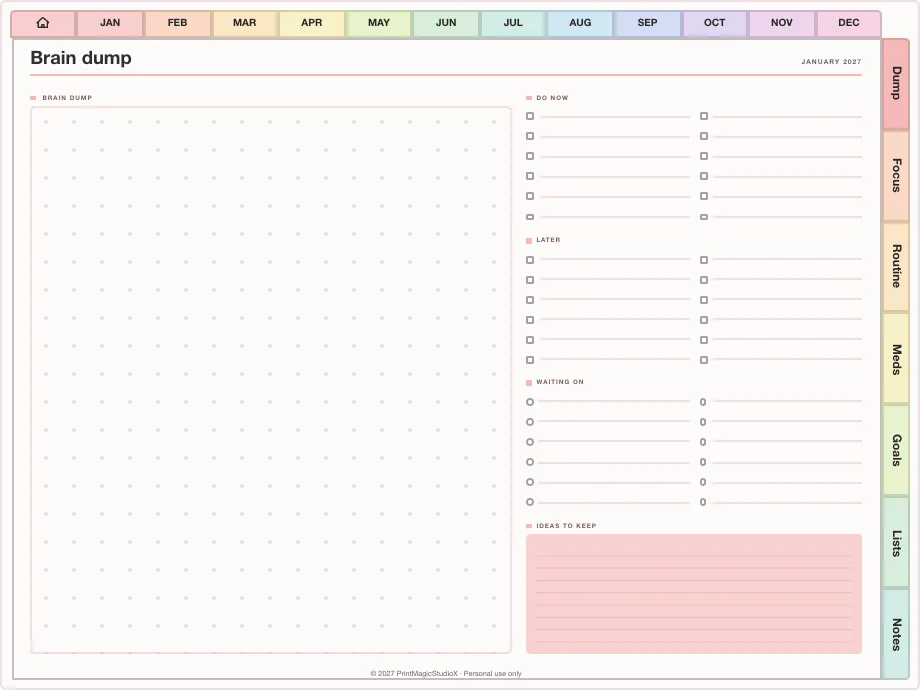
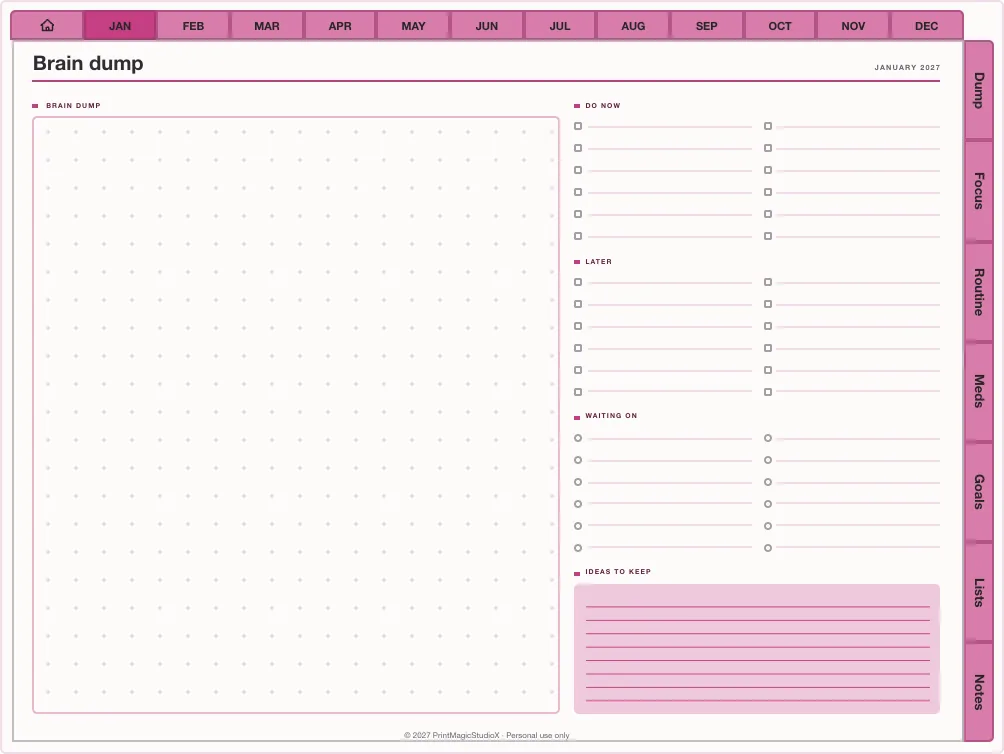
Built the way the big ADHD planners are: every section sits on a tab down the edge of every page, so your brain dump, your routines or the meds and mood tracker are one tap away, not twenty pages of scrolling. Start from a whole ADHD planner in the studio and change anything before you buy.
- Every section one tap away
- Brain dump & focus quadrants
- Meds & mood tracking
- From US$6.49
heavy on tabs, light on guilt ✿
Built to order
ADHD planners, ready to build
Each opens in the studio already set up. Change the year, the sections or the colours, try the free watermarked sample in your app, then pay once for the PDF. The all-rounder comes to 584 pages for US$6.49.
ADHD Planner (all-rounder)
US$6.49The dated year with every section one tap away: brain dump, focus quadrants, routines, meds and mood, habits and a daily top three.
Built in the studio584 pagesDated 2027Free sample first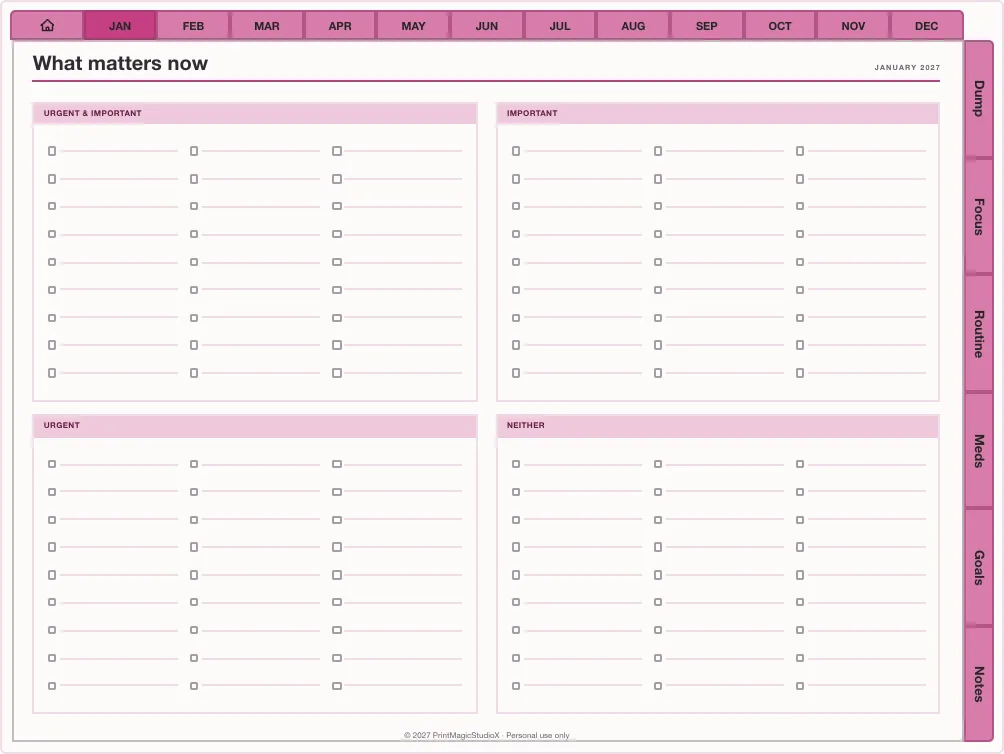
ADHD Study Planner
US$6.49The same rails and prompts pointed at coursework: study, assignment and exam revision planners, with Cornell and dot grid paper.
Built in the studio587 pagesDated 2027Free sample first
What is inside
Made for a brain that moves fast
One tap to any section
Months across the top, your sections down the side. Nothing is more than a tap from the page you are on.
Brain dump first
Empty your head onto one page first, then sort it into the two trays at the bottom.
Focus quadrants
Urgent against important on one page, so the next thing to do is the one in the top corner.
Routines as checklists
Morning, evening and reset routines you tick rather than remember.
Meds, sleep and mood
A tick or a number a day, laid out so patterns show across the month.
A daily top three
Hourly days with a top three, so a full schedule still has a point.
A planner is an organising tool, not a treatment. It will not replace advice from your doctor, and it does not have to be filled in every day to be worth opening.
Focus & ADHD layouts
Start from a single layout
Smaller, sharper planners from the template library: a sparse week for low days, one banner a day, a year of meds and mood. Each opens in the studio to date and build.
- Studio pick
Ultimate Focus
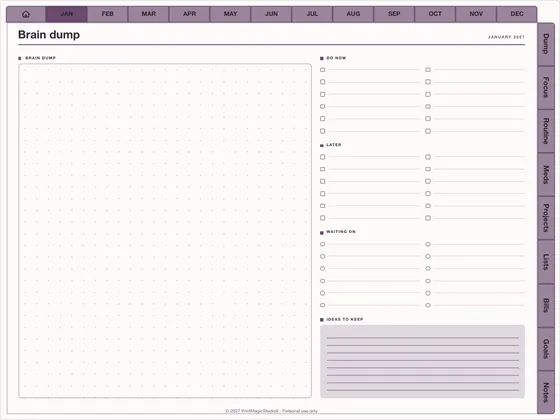
US$7.49Every category, one tap away
Focus & ADHD420–520 pages 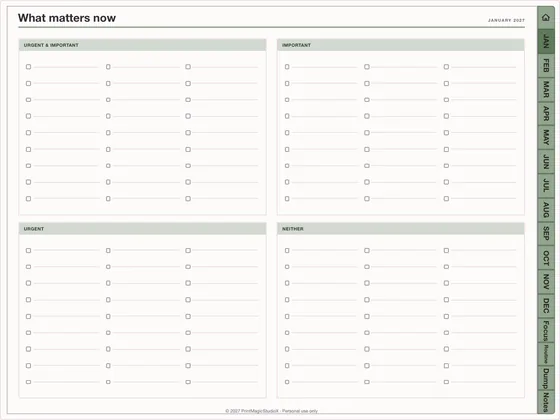
Low Demand Days
US$4.49Three things, and that is enough
Focus & ADHD90–140 pages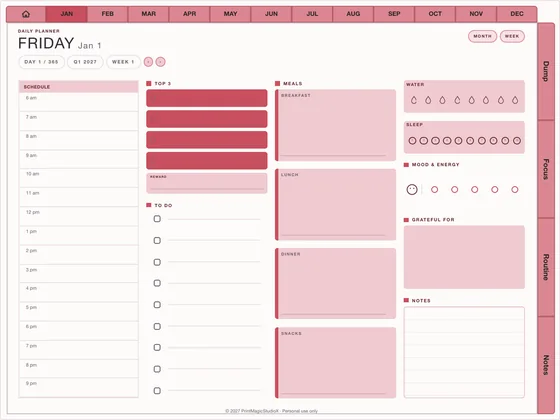
The One Thing
US$6.49One banner, one day
Focus & ADHD365+ pages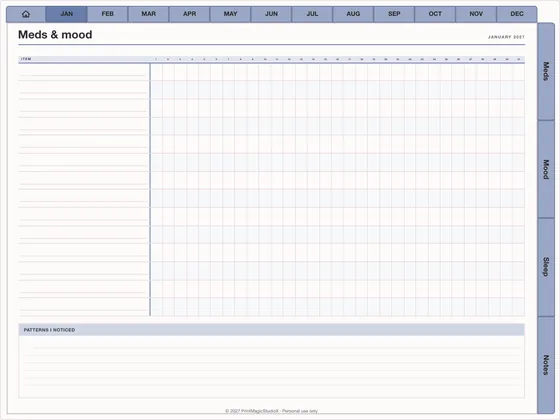
Meds & Mood Year
US$5.99Patterns, not guesses
Focus & ADHD320–400 pages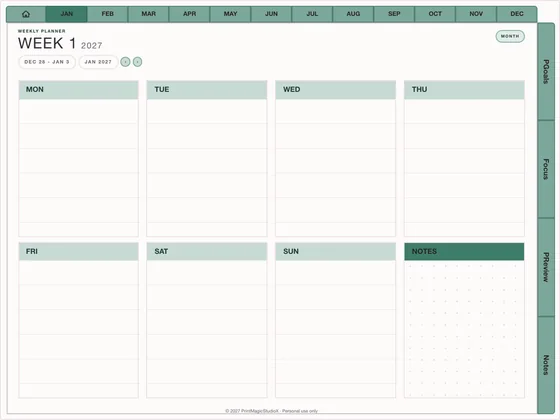
Quarterly Sprint
US$6.49Twelve weeks at a time
Focus & ADHD110–150 pages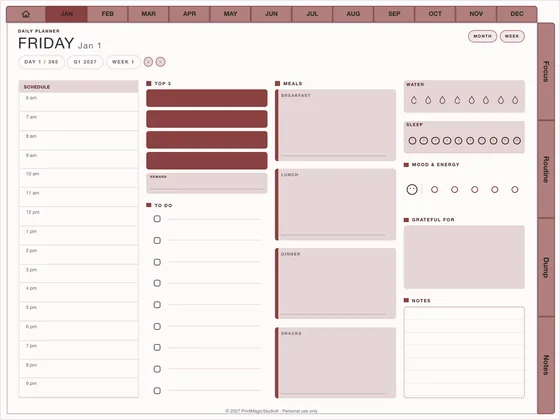
Focus Day 90
US$6.49Ninety dated days
Focus & ADHD100–130 pages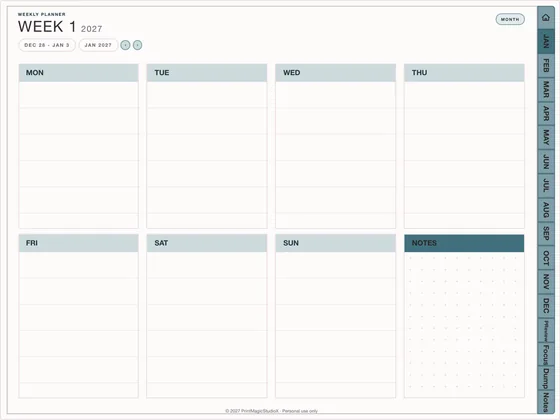
Weekly Review Kit
US$4.49Close every week well
Focus & ADHD90–120 pages
Compatibility
What you need
Write in it with
GoodNotes, Notability, Noteshelf, Xodo, Penly, any PDF annotation app.
On
An iPad with an Apple Pencil, an Android tablet with a stylus, or a computer.
How it works
From the studio to your first page
01
Open the ADHD planner
It opens in the studio already built. Change the year, sections and colours if you like.
02
Try the free sample
Download the watermarked sample and check it in your own app, then pay once for the full PDF.
03
Import and plan
Open it in GoodNotes or any PDF app. How to set it up so you keep using it.
Questions
About ADHD digital planners
What makes a digital planner ADHD-friendly?
Fewer steps between you and any page. Tabs down the edge of every page open each section in one tap, a brain dump comes before the to-do list, the day asks for three priorities rather than twenty, and routines are short checklists.
Do I need an ADHD diagnosis to use one?
No. The layout helps anyone who loses the thread when finding a page takes more than one step. It is a planning tool, not a treatment or medical advice.
Can I track medication, sleep and mood?
Yes. Both ADHD planners have a meds section and a mood tracker, and the Meds & Mood Year layout is built around them for a whole year. A tick or a number a day is enough.
Can I change the planner before I buy it?
Yes. Open it in the studio and change the year, start month, sections, layouts and colours. The free sample builds the whole file with a watermark so you can try it in your own app before paying.
Does it work on an iPad with an Apple Pencil?
Yes. It is a hyperlinked PDF for GoodNotes, Notability, Noteshelf and any PDF app. Write with the Pencil and tap the tabs with a finger, or switch to Read Only mode.
Shop by type
- Digital PlannersEvery hyperlinked planner we sell, for GoodNotes and iPadShop digital planners →
- 2027 Digital PlannerDated January to December 2027, Monday or Sunday startShop 2027 planners →
- Student Digital PlannerAcademic year planners with assignments, exams and Cornell notesShop student planners →
- Productivity PlannerGoals, projects, time blocks and 26 productivity methodsShop productivity planners →
- Budget PlannerMonthly budgets, bills, debt payoff and savings trackersShop budget planners →
- GoodNotes TemplatesPlanner layouts, single pages and note paperBrowse GoodNotes templates →
- Digital StickersPNG sticker and clipart packs for your planner pagesShop digital stickers →
- Free TemplatesClean, unwatermarked pages to download and keepGet the free templates →
Guides
- GuideHow to set up an ADHD digital planner you will keep usingEvery section one tap away, a brain dump before the list, and a page for the low days.
- GuideHow digital planner hyperlinks work, and how to tap them in GoodNotesWhy a tap sometimes writes instead of jumping, and the one setting that fixes it.
- GuideHow to add digital stickers to GoodNotesPNGs with the Image tool, favourites in Elements, and PDF sheets with the Lasso.