Productivity planners
Digital productivity planner for GoodNotes and iPad
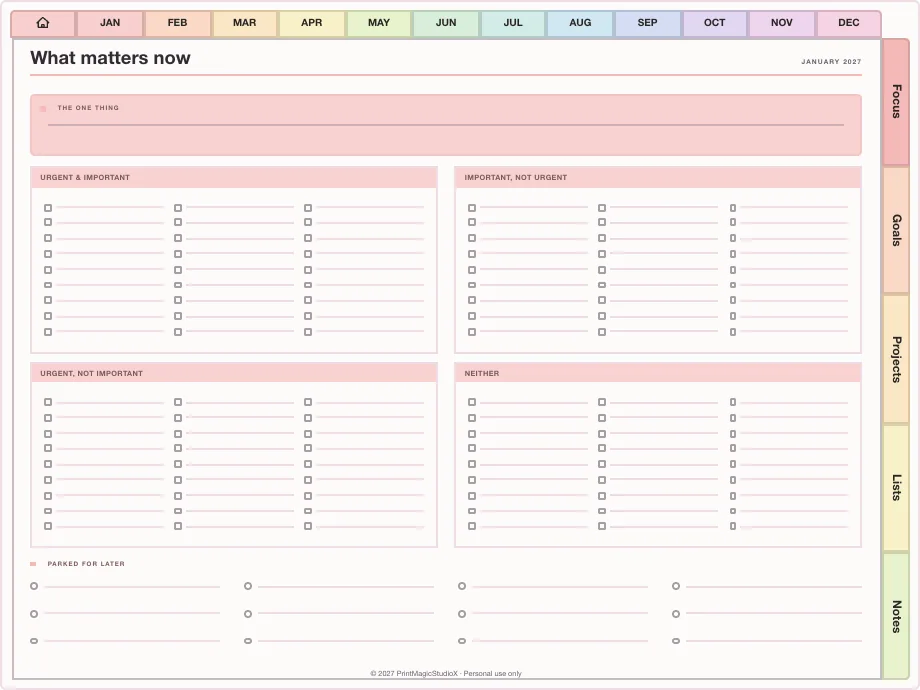
The Complete Productivity Planner runs your year as capture, organise, prioritise, plan, focus, execute, track and review: 9 tabs, 195 templates and a library of 26 productivity methods, one page each, all hyperlinked around a dated year.
- 195 templates
- 26 methods
- 784 pages
- US$7.99, any year
plan the work, then work the plan ✿
Ready-made
Productivity planners ready to build
One payment, and the planner builds to your choices after checkout: your year, the way round, the theme and the language. Every year after, the same order builds the new edition.
All-in-One Digital Planner
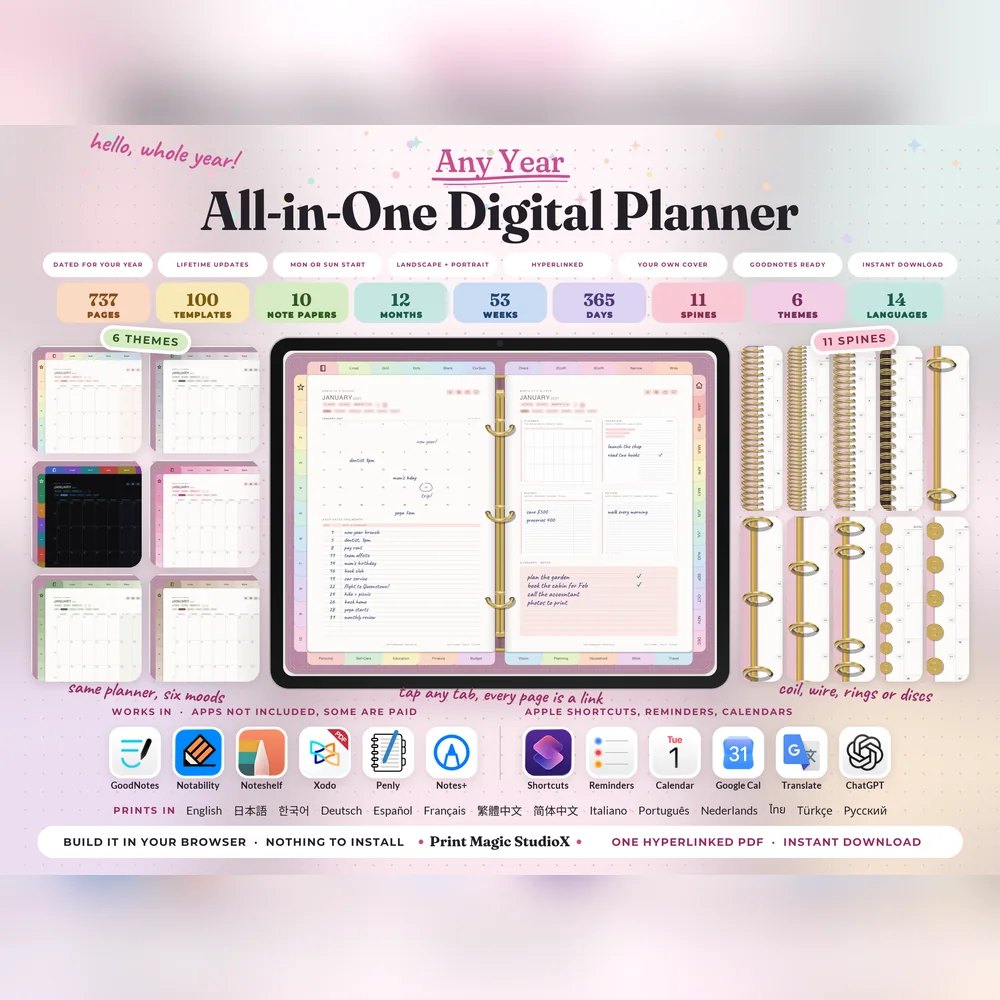
US$9.99US$7.99749 hyperlinked pages, 100 templates in ten categories, six themes and eleven spines. Build it after checkout, and every year's edition after that.
Built your wayAny year100 templates14 languages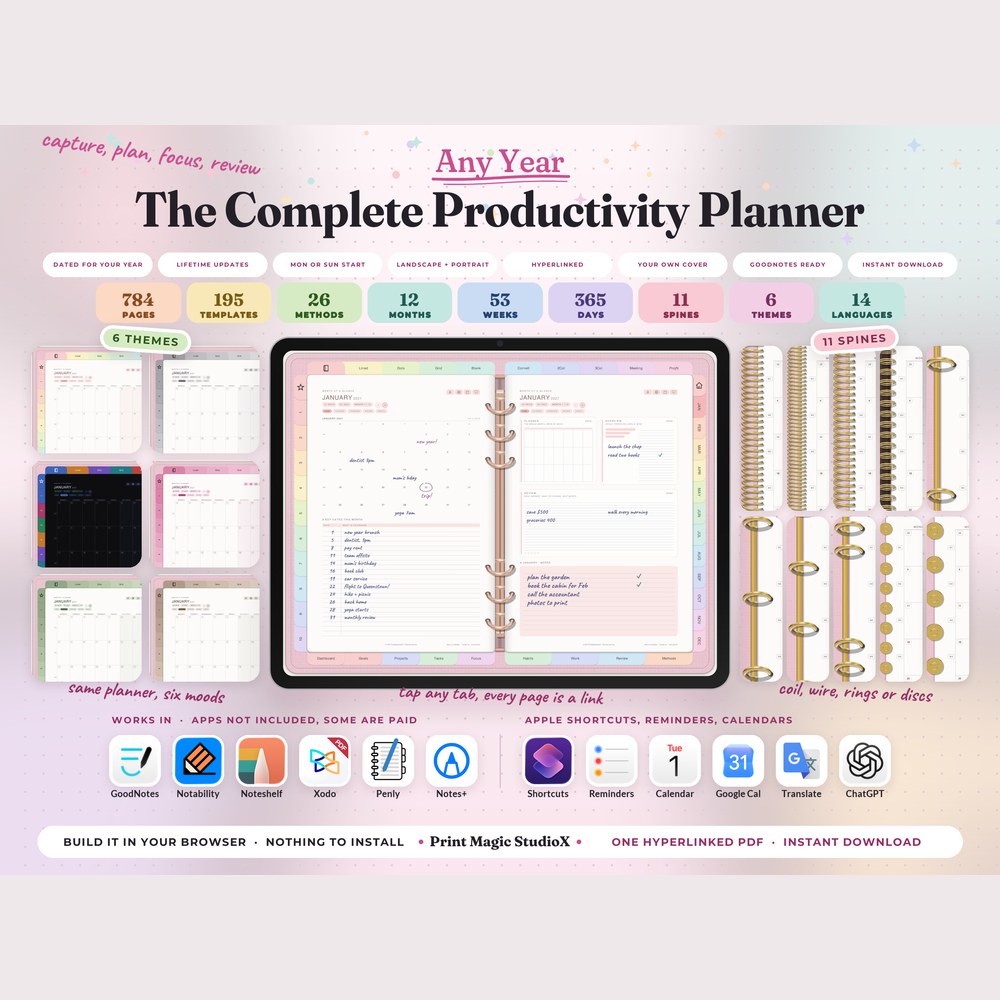
The Complete Productivity Planner
US$9.99US$7.99784 pages run as capture, organise, prioritise, plan, focus, execute, track and review: 195 templates in nine tabs, and 26 productivity methods a page each.
Built your wayAny year195 templates26 methods
Built to order
Or build your own in the studio
The studio holds the same planner as a starting point: change the year, the start month, the sections and the colours, try the free watermarked sample in your app, then pay once. An 2027 build comes to 784 pages for US$8.99.
9 tabs
195 templates, sorted by what you are doing
12 templates
Dashboard
20 templates
Goals
21 templates
Projects
29 templates
Tasks
19 templates
Focus
27 templates
Habits
23 templates
Work
18 templates
Review
26 templates
Methods
The methods library
26 productivity methods, one page each
Each method is a working page, not an essay: use the one that suits the week, and leave the rest.
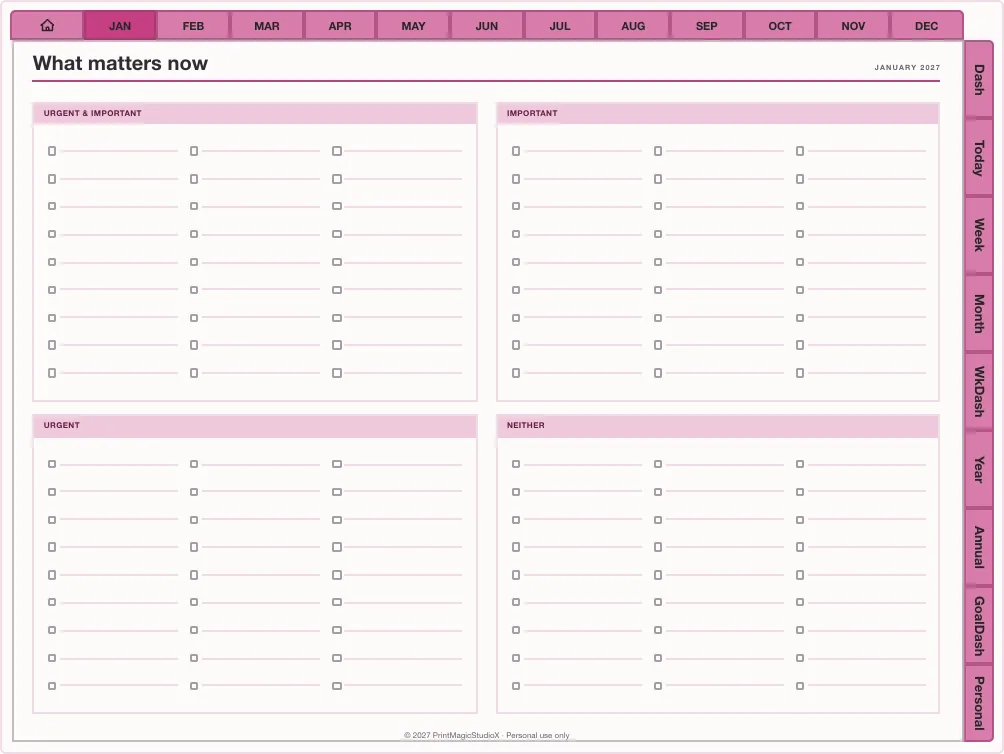
- Eisenhower matrix
- GTD: Getting Things Done
- Kanban board
- Time blocking
- Time boxing
- Pomodoro
- Eat the frog
- Ivy Lee method
- 1-3-5 rule
- 80/20 rule
- SMART goals
- WOOP
- ABC priority method
- Must / Should / Could
- Deep work
- Task batching
- Theme days
- Weekly sprint
- Personal scrum
- Energy-based planning
- Two-minute rule
- Most important tasks
- Goal ladder
- Action priority matrix
- Impact / effort matrix
- Decision matrix
Single layouts
Smaller productivity planners
Twelve-week sprints, weekly reviews and focused days from the template library, each ready to date in the studio.
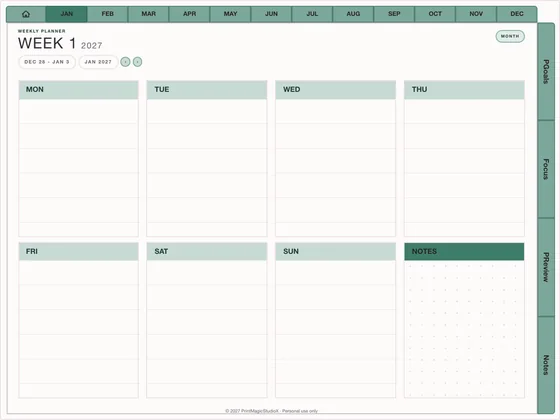
Quarterly Sprint
US$6.49Twelve weeks at a time
Focus & ADHD110–150 pages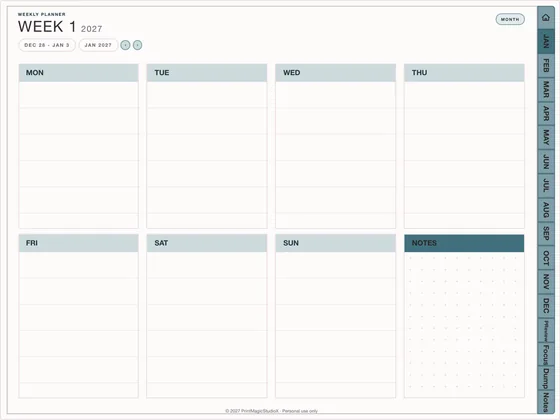
Weekly Review Kit
US$4.49Close every week well
Focus & ADHD90–120 pages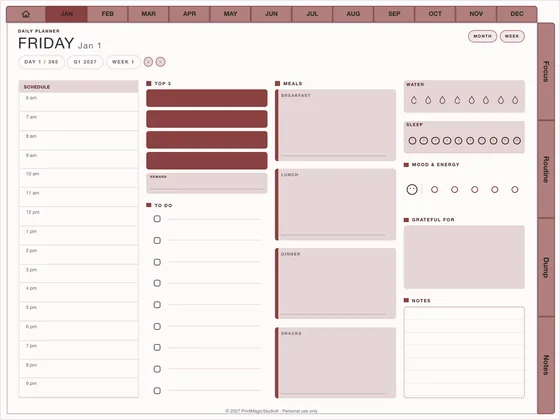
Focus Day 90
US$6.49Ninety dated days
Focus & ADHD100–130 pages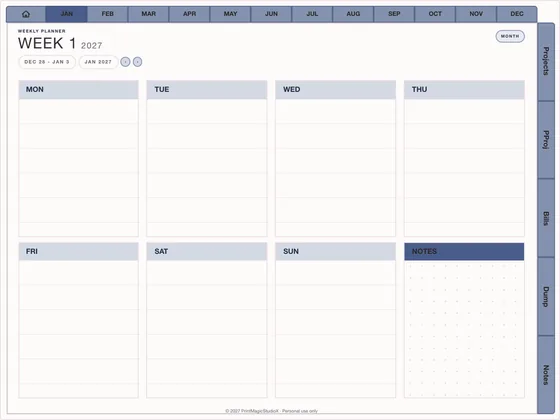
Side Hustle
US$4.99Evenings that ship
Business & shop140–190 pages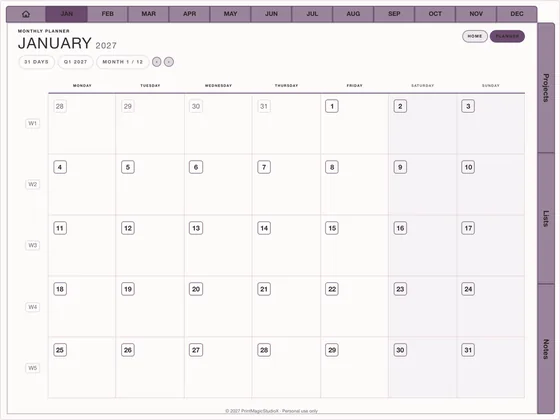
Content Calendar
US$4.49Thirty days of posts, planned
Business & shop60 pages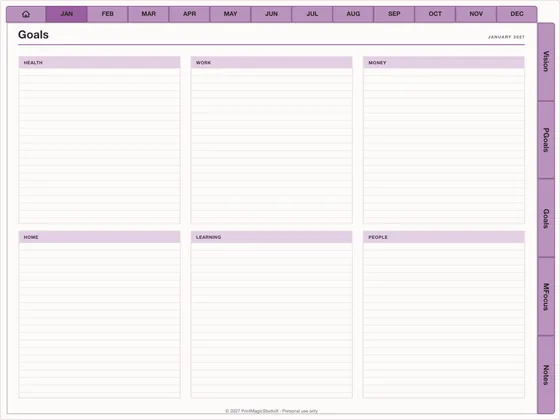
Vision & Goals
US$3.99The year, on purpose
Dated planners140–180 pages
Compatibility
What you need
Write in it with
GoodNotes, Notability, Noteshelf, Xodo, Penly, any PDF annotation app.
On
An iPad with an Apple Pencil, an Android tablet with a stylus, or a computer.
Its Apple Shortcuts and Reminders links work on iPhone and iPad; Google Calendar links open in any browser.
How it works
Three steps to a planned year
01
Open it in the studio
The Complete Productivity Planner opens already built. Change the year and the look if you like.
02
Try, then buy
Download the free watermarked sample, check it in your app, then pay once for the full PDF.
03
Plan in GoodNotes
Import the PDF and start from the Dashboard tab. How the links work.
Questions
About the productivity planner
What is inside The Complete Productivity Planner?
A dated year of months, weeks in columns and time-blocked days, plus 195 templates under 9 tabs: Dashboard, Goals, Projects, Tasks, Focus, Habits, Work, Review, Methods. It builds to about 784 pages.
Which productivity methods are included?
26, one page each: Eisenhower matrix, GTD: Getting Things Done, Kanban board, Time blocking, Time boxing, Pomodoro, Eat the frog, Ivy Lee method, 1-3-5 rule, 80/20 rule, SMART goals, WOOP, ABC priority method, Must / Should / Could, Deep work, Task batching, Theme days, Weekly sprint, Personal scrum, Energy-based planning, Two-minute rule, Most important tasks, Goal ladder, Action priority matrix, Impact / effort matrix, Decision matrix.
Is it dated?
Yes. It opens dated 2027 with every month, week and day, and you can change the year and the start month in the studio before you build it.
How much does it cost?
US$8.99 for personal use, one payment, with a free watermarked sample to try in your own app first.
Does it work in GoodNotes on iPad?
Yes. It is one hyperlinked PDF for GoodNotes, Notability, Noteshelf and any PDF app, in landscape or portrait.
Shop by type
- Digital PlannersEvery hyperlinked planner we sell, for GoodNotes and iPadShop digital planners →
- 2027 Digital PlannerDated January to December 2027, Monday or Sunday startShop 2027 planners →
- ADHD Digital PlannerEvery section one tap away, brain dump to meds and moodShop ADHD planners →
- Student Digital PlannerAcademic year planners with assignments, exams and Cornell notesShop student planners →
- Budget PlannerMonthly budgets, bills, debt payoff and savings trackersShop budget planners →
- GoodNotes TemplatesPlanner layouts, single pages and note paperBrowse GoodNotes templates →
- Digital StickersPNG sticker and clipart packs for your planner pagesShop digital stickers →
- Free TemplatesClean, unwatermarked pages to download and keepGet the free templates →
Guides
- GuideHow to use Apple Calendar and Google Calendar with a digital plannerA PDF cannot sync, but it can hand off: Reminders, Google Calendar and Shortcuts from the page.
- GuideHow digital planner hyperlinks work, and how to tap them in GoodNotesWhy a tap sometimes writes instead of jumping, and the one setting that fixes it.
- GuideDigital planner vs paper planner: which one suits you?An honest comparison: cost, carrying, finding pages, backups and the feel of paper.