The Sunny app
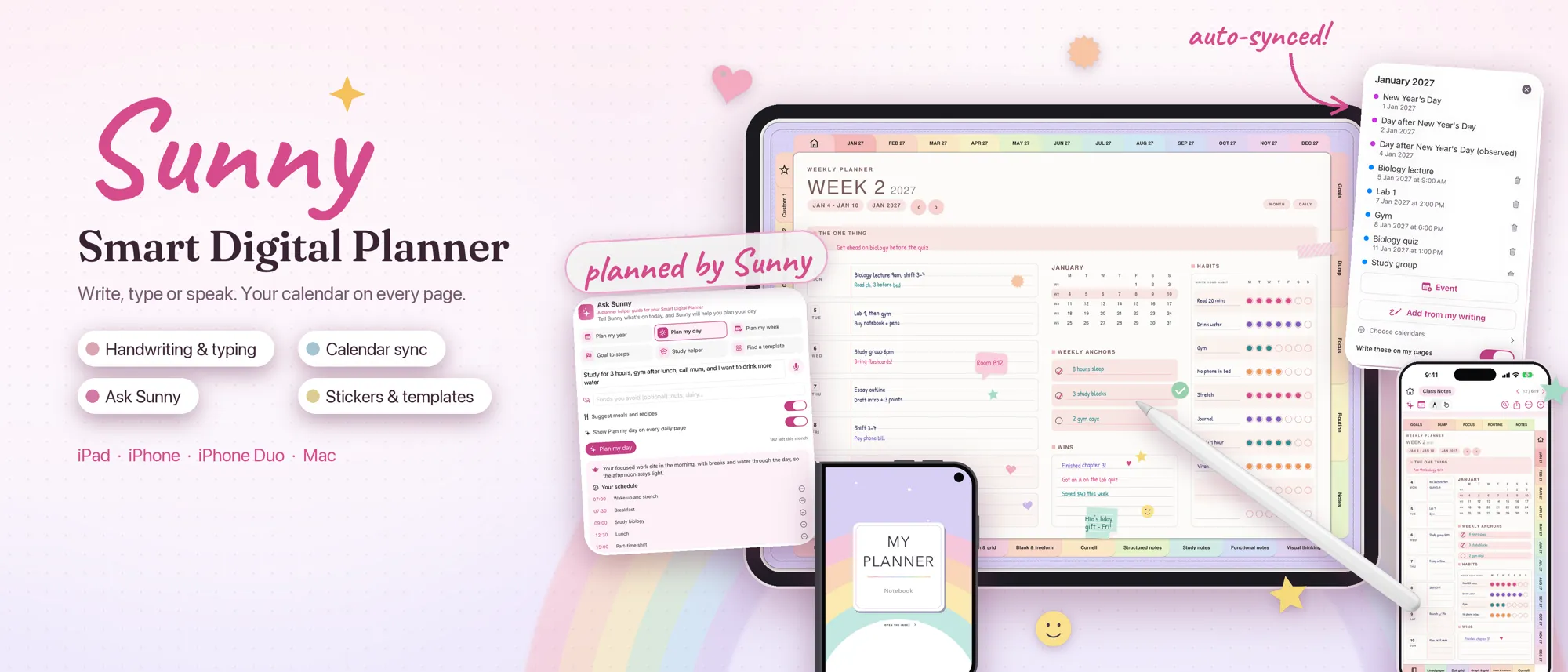
Sunny: Smart Digital Planner
Write, type or speak. Your calendar on every page.
For iPad, iPhone, iPhone Duo and Mac.
- Handwriting and typing
- Calendar sync
- Ask Sunny
- Stickers and templates
- No ads
- No tracking
- No sign-in needed
Write, type or speak
Notes that feel like paper
your way
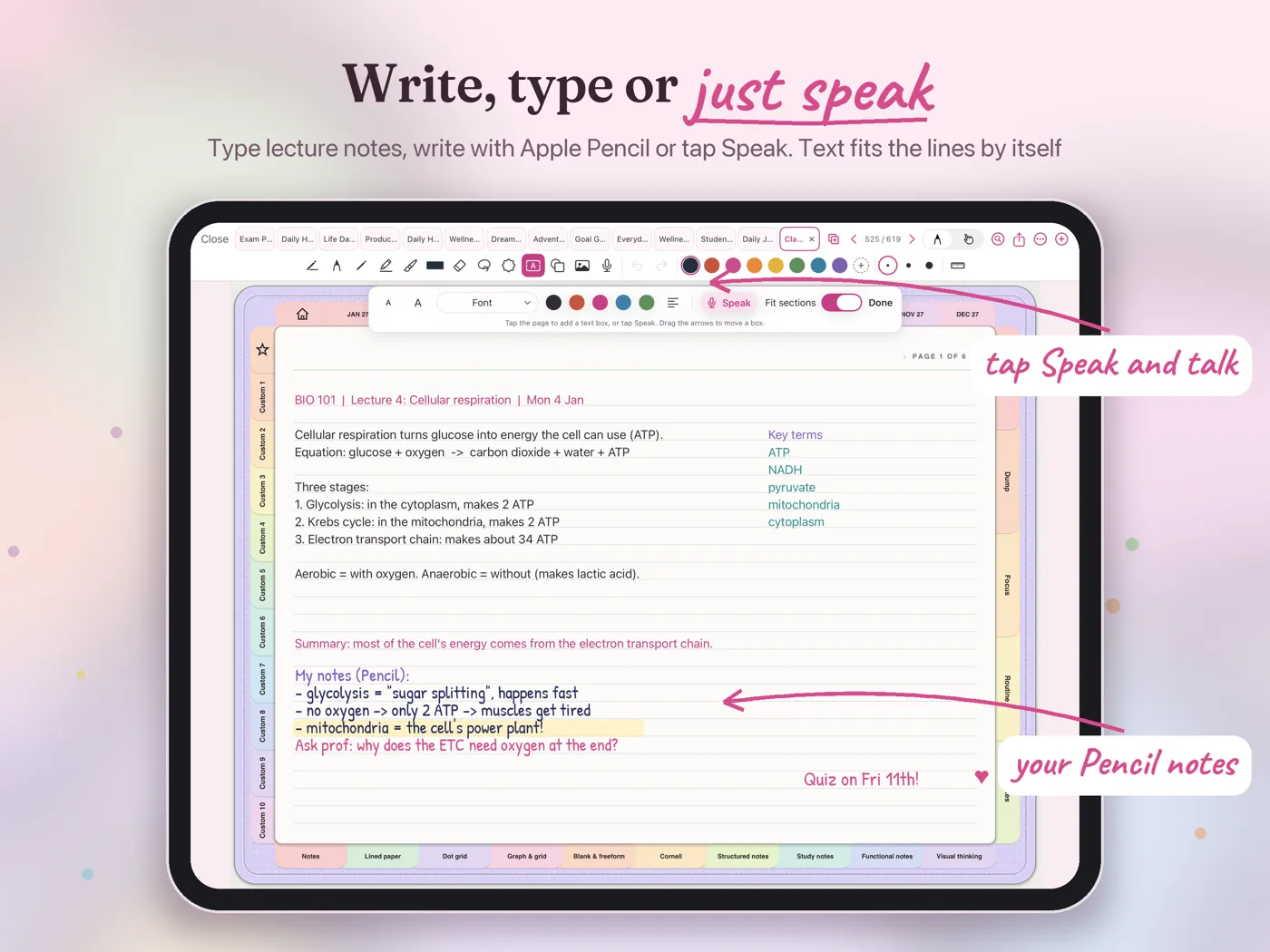
Write with Apple Pencil or your finger, type straight onto the lines, or tap Speak and talk. Text sits on the printed lines by itself.
- Pens, pencil, highlighter and brush
- Text boxes that fit the lines
- Speech to text and recordings on a page
Calendar sync
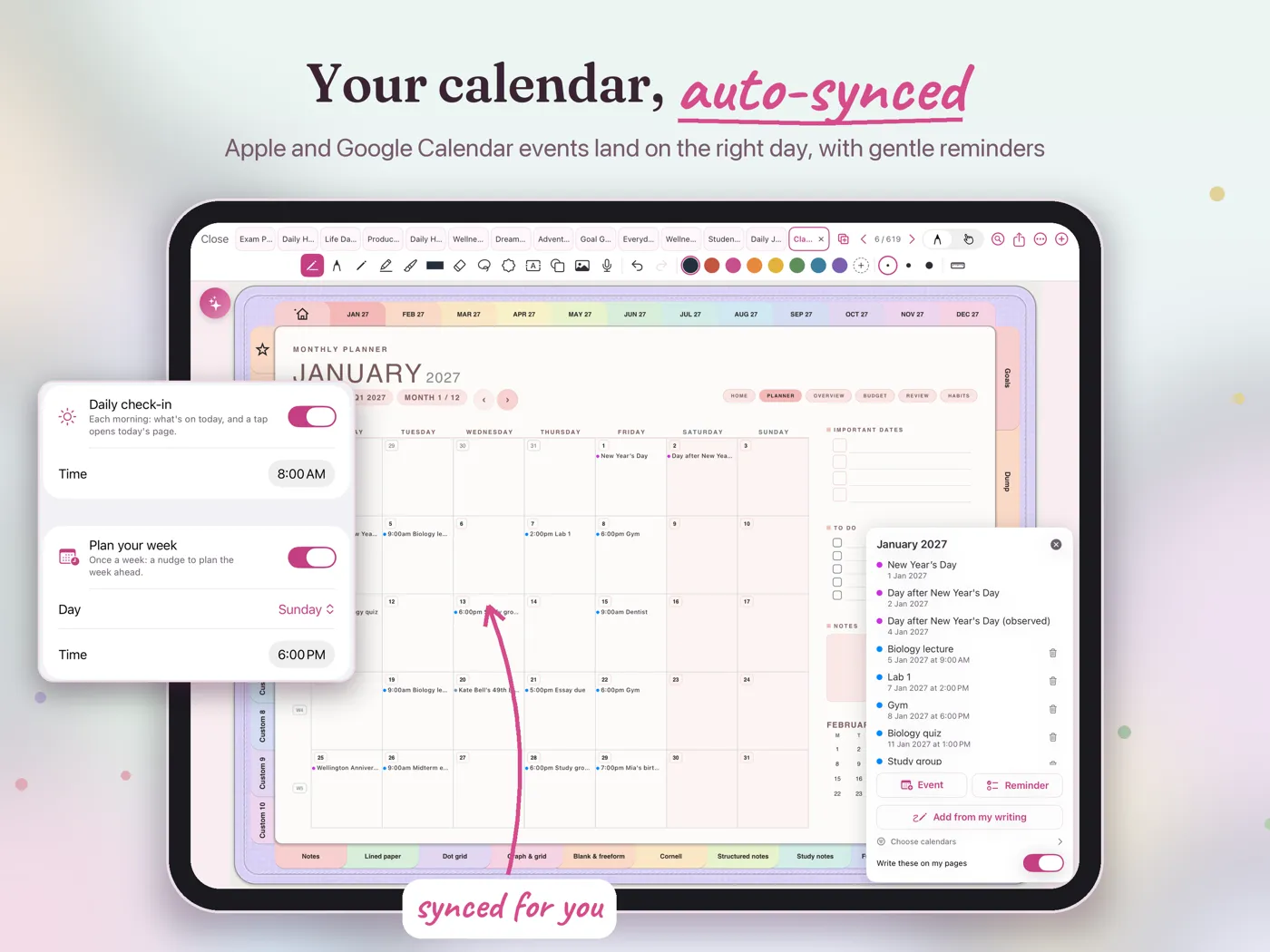
Your calendar on every page
auto-synced
Events from Apple Calendar, and Google Calendar once it's added to your device, land on the right day, week and month pages. Add from my writing turns what you wrote into calendar events.
- Apple and Google calendars
- Add from my writing
- Gentle reminders you choose
Ask Sunny
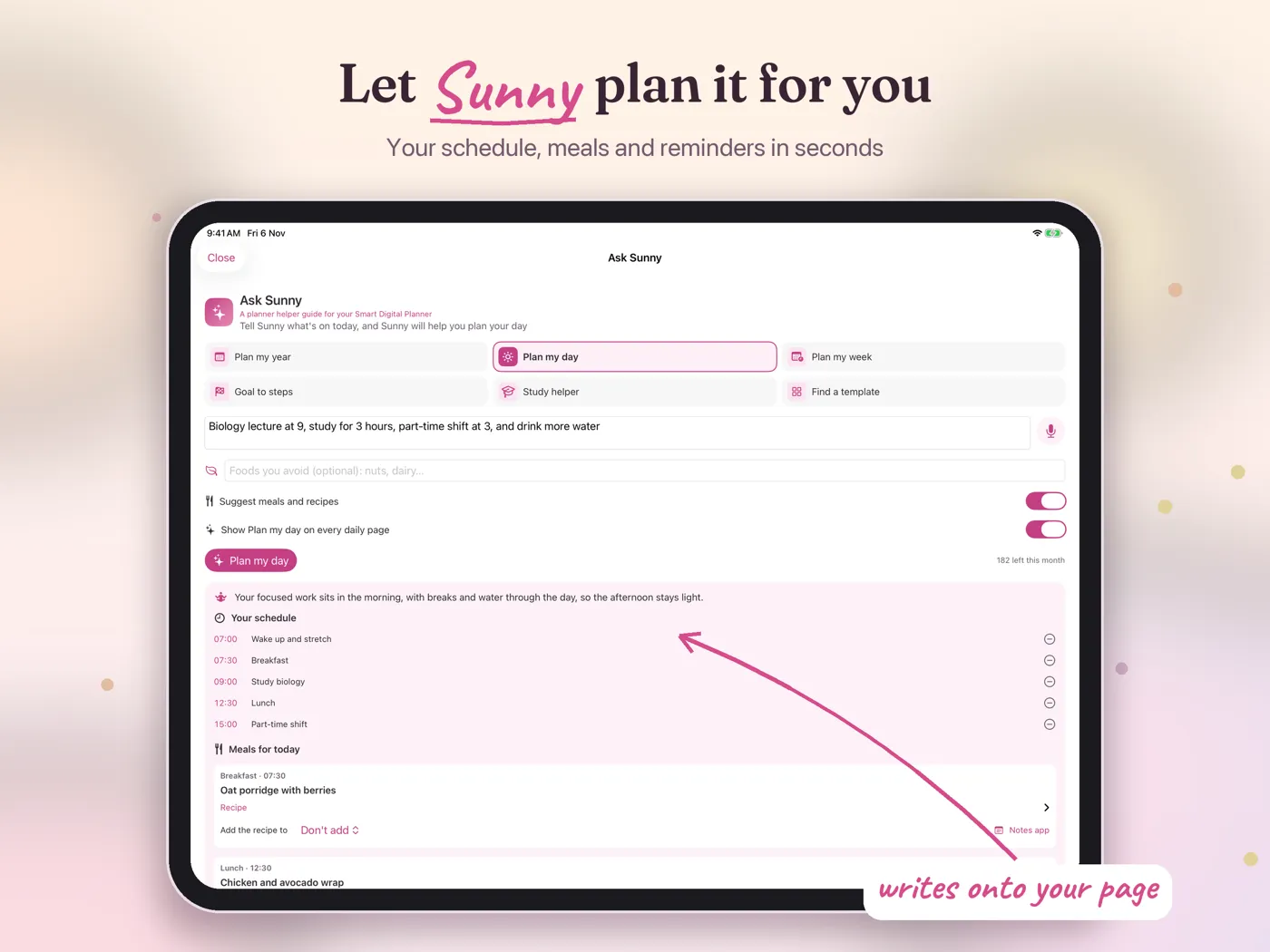
Let Sunny plan it for you
in seconds
Tell Sunny about your day, your week or your year and it writes the plan onto your pages. Or describe who a planner is for in one sentence and Sunny builds it.
- Plan my day, week and year
- Build a planner from one sentence
- Goals turned into steps
Make it yours
Stickers, washi tape and templates
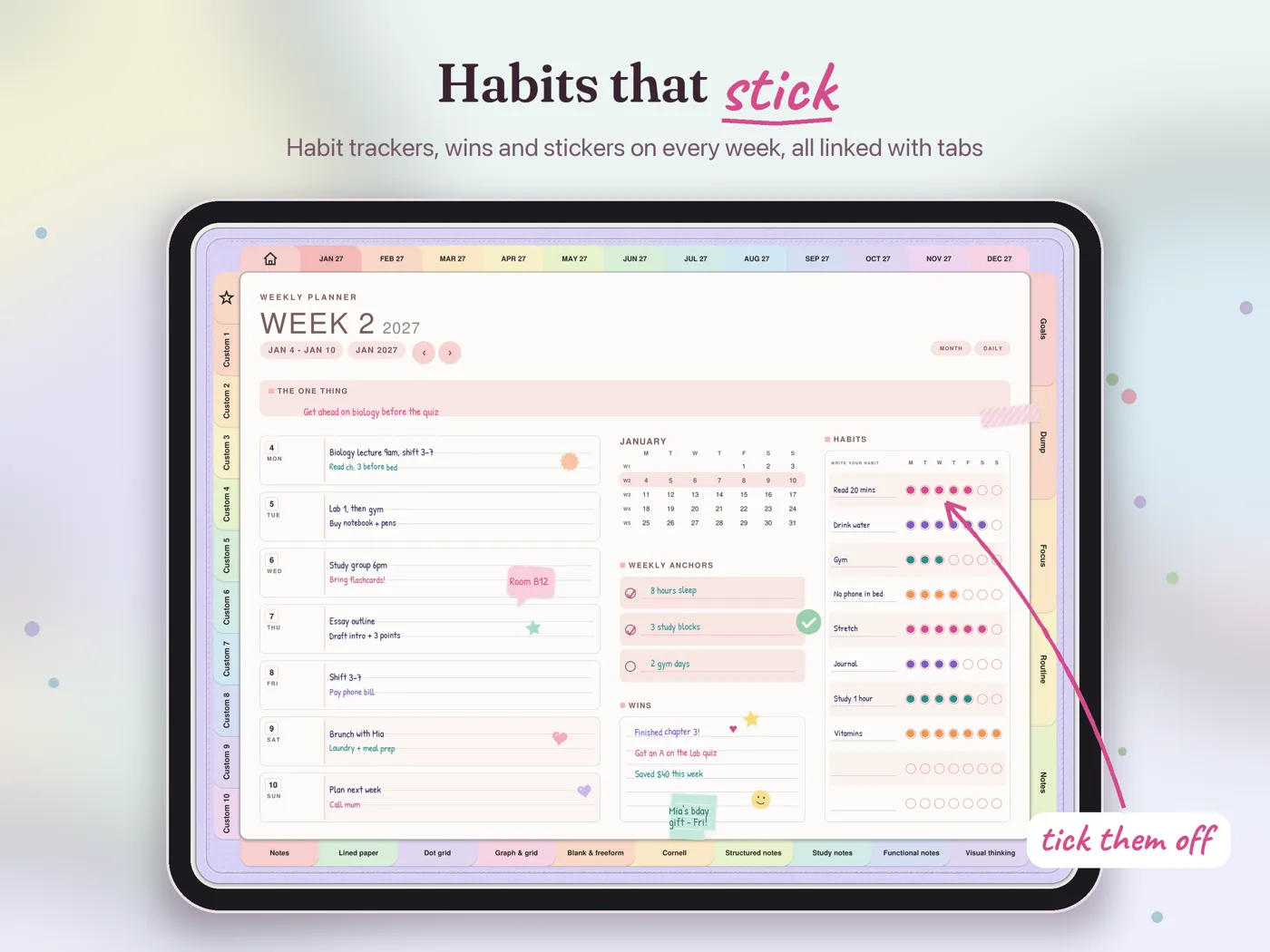
habits that stick
Decorate with stickers and washi tape, bring in your own sticker packs, and add templates and note paper whenever you need them.
- Starter stickers and your own PNGs
- Washi tape and shapes
- Templates and note paper, any time
Year, month, week and day
Pages that grow with you
one tap away
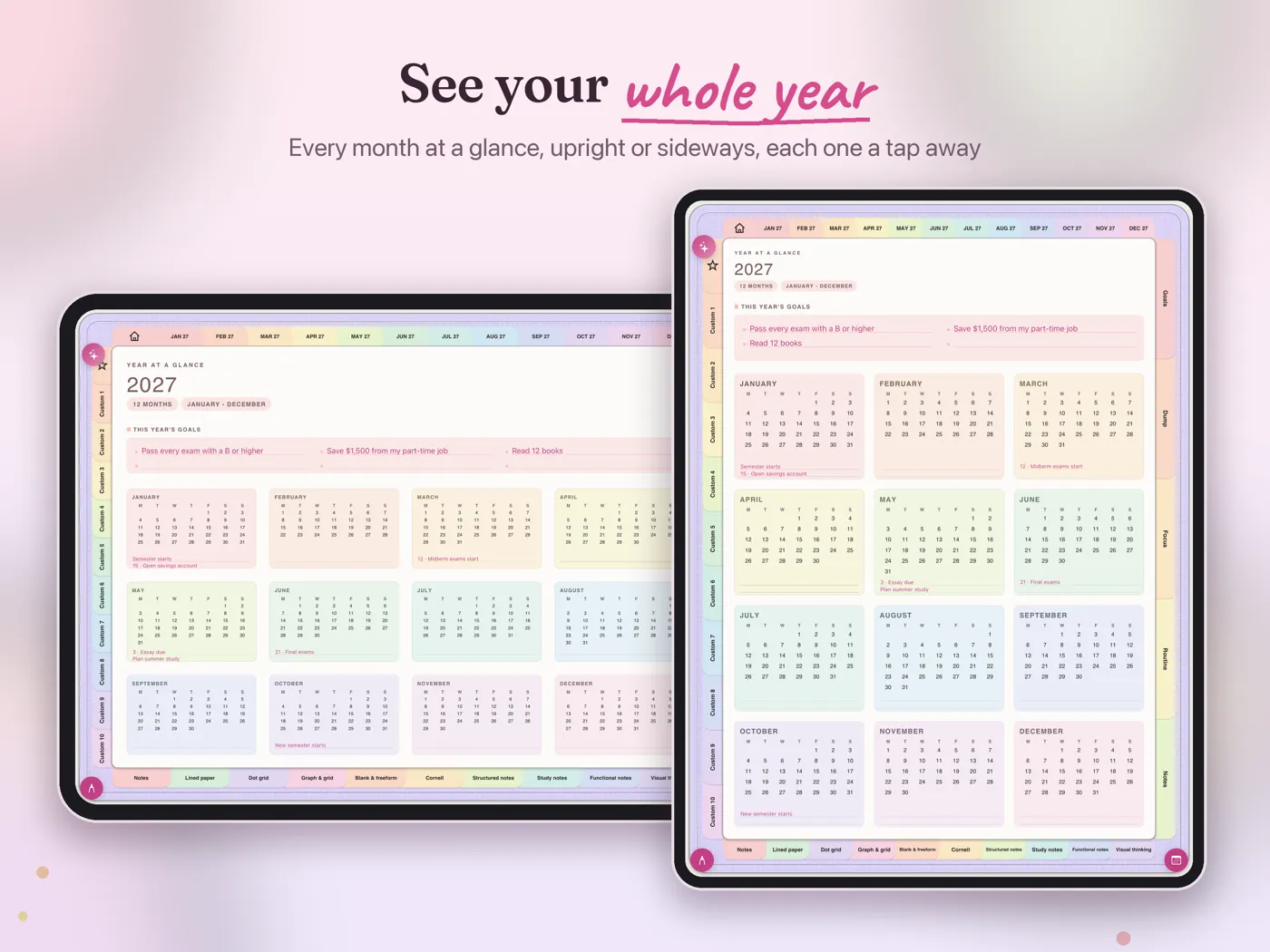
See the whole year at a glance, then step into a month, a week or a single day. Add more months, another year or more paper any time, with no new planner needed.
- Year at a glance
- Monthly, weekly and daily pages
- Add months, a year or paper later
StudioX planners
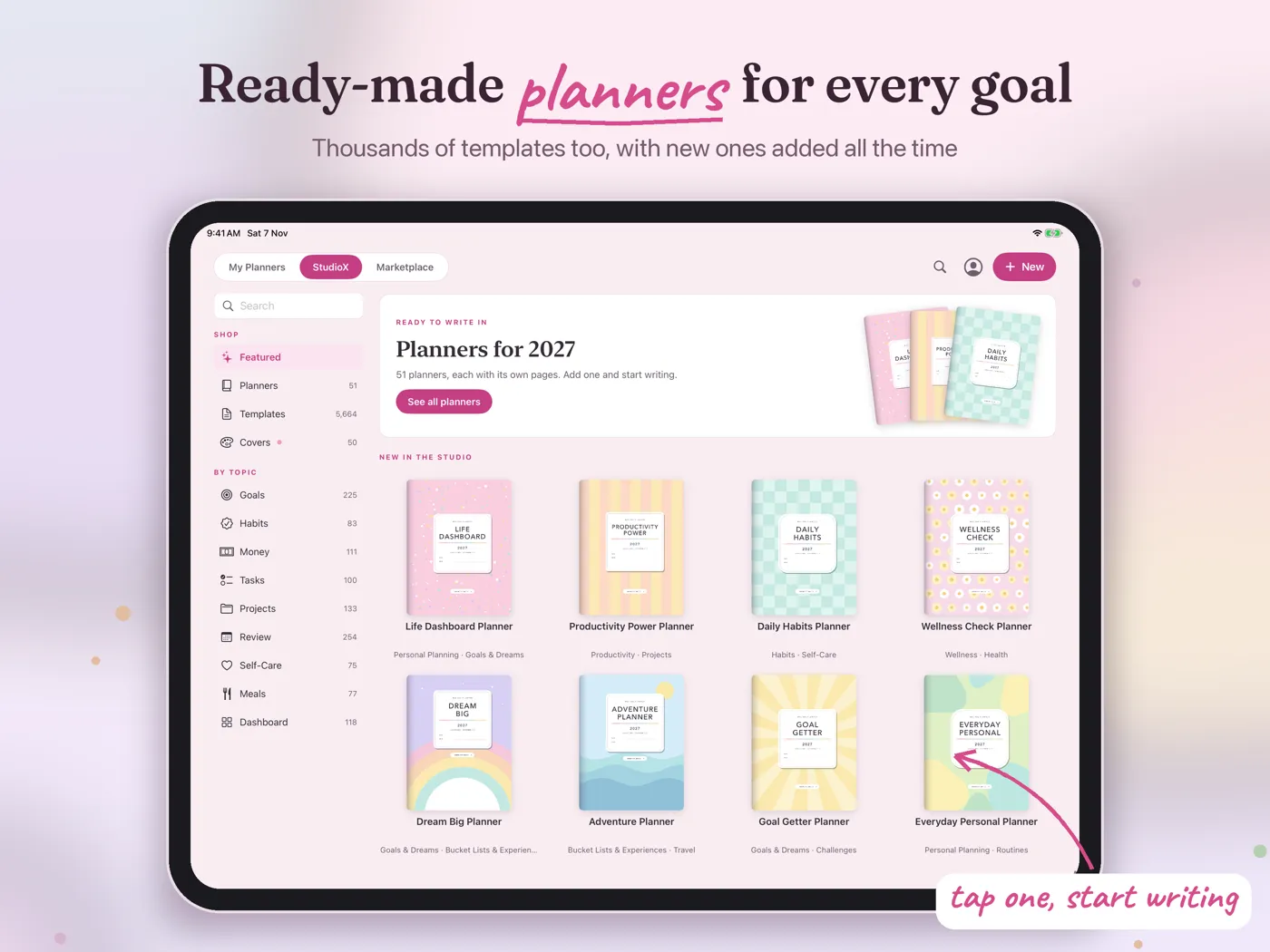
Ready-made planners for every goal
tap one, start writing
Pick a ready-made planner from StudioX, made by the Print Magic StudioX team, or build your own with the planner builder.
- Student, work, wellness and more
- Planners made for your device
- New planners added over time
Devices
iPad, iPhone, iPhone Duo and Mac
The same planners and tools on every screen, laid out for the device in your hand.
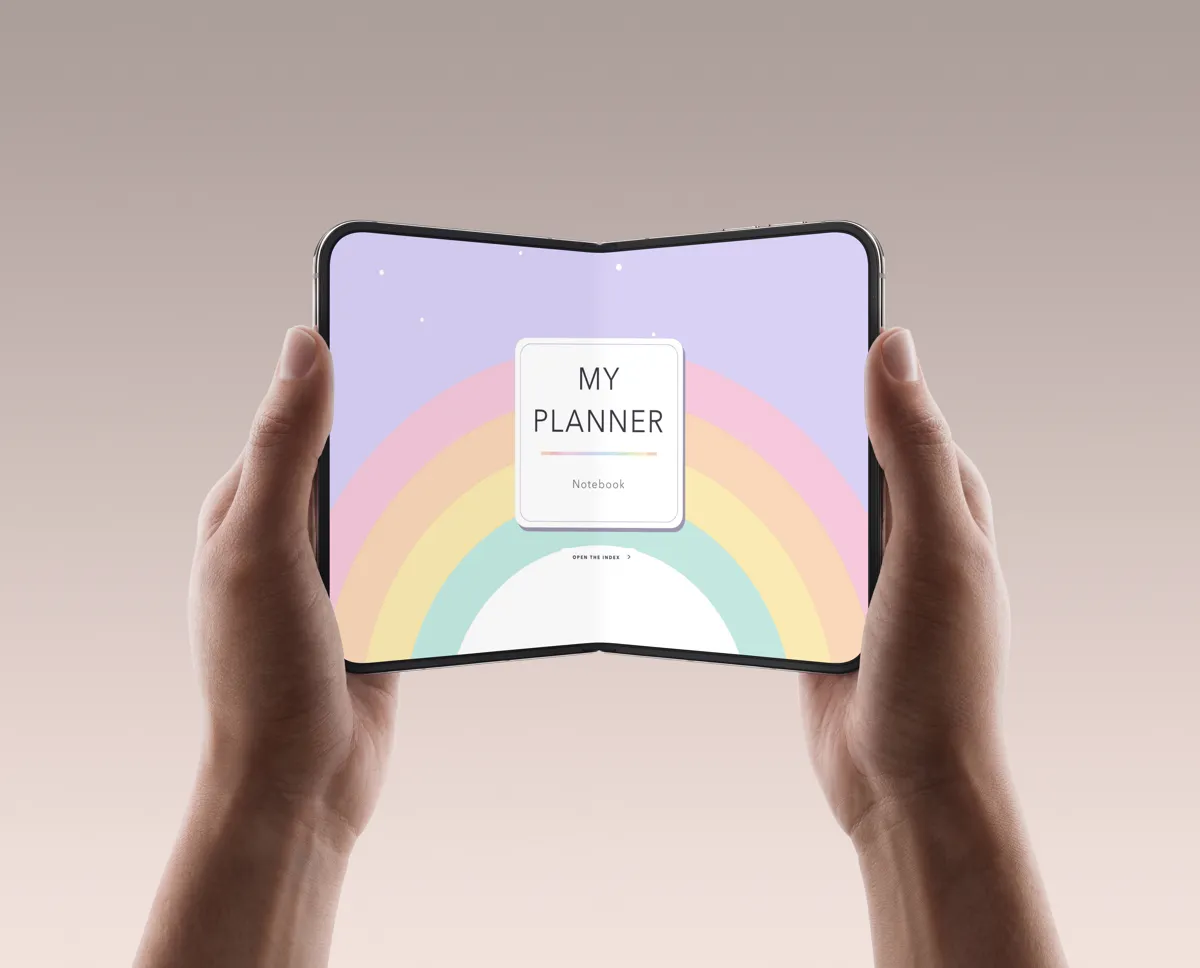
iPhone Duo
Folded, one page. Open, the whole notebook side by side.
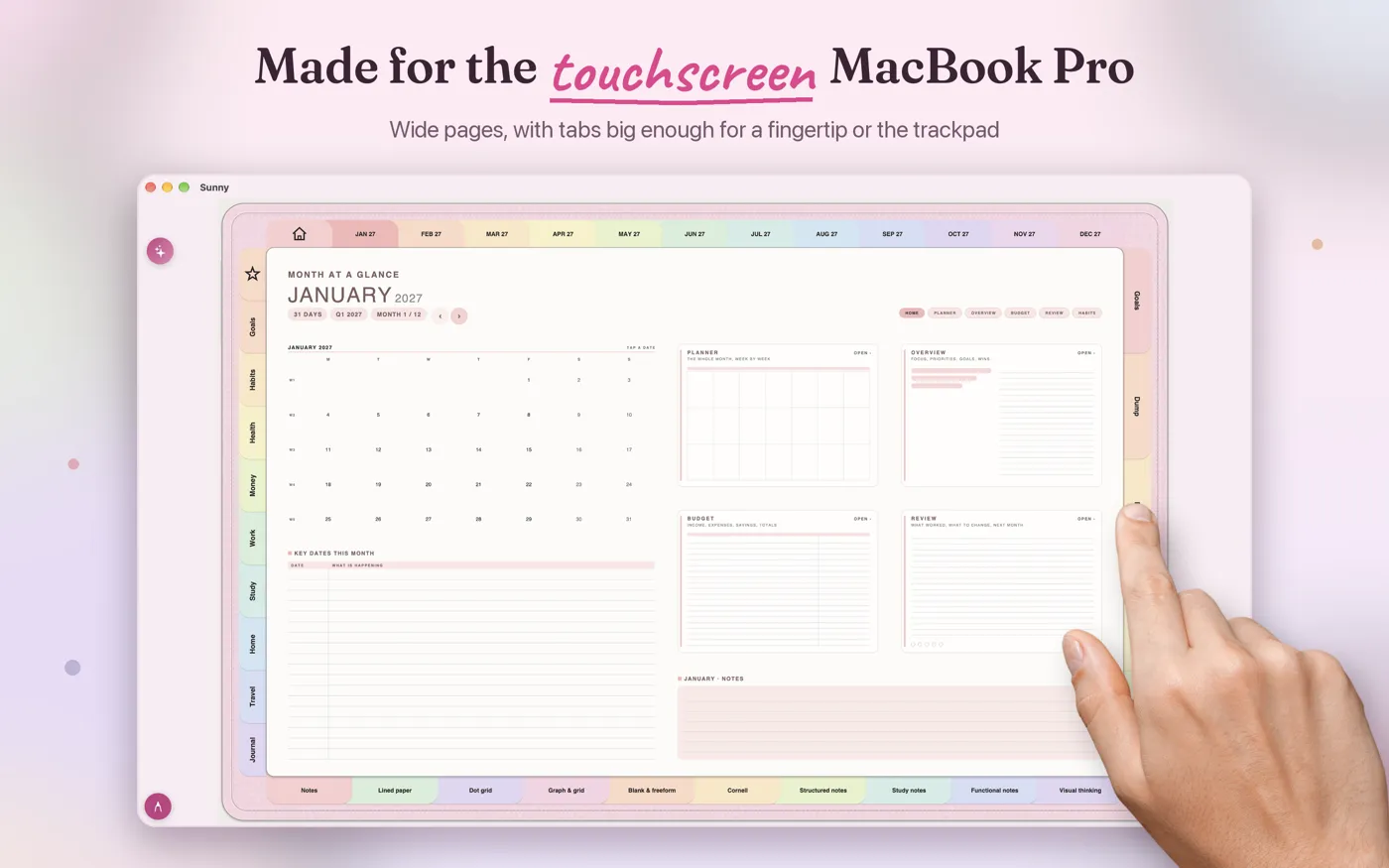
Mac, including the touchscreen MacBook Pro
Wide pages with tabs big enough for a fingertip, the trackpad or a mouse.
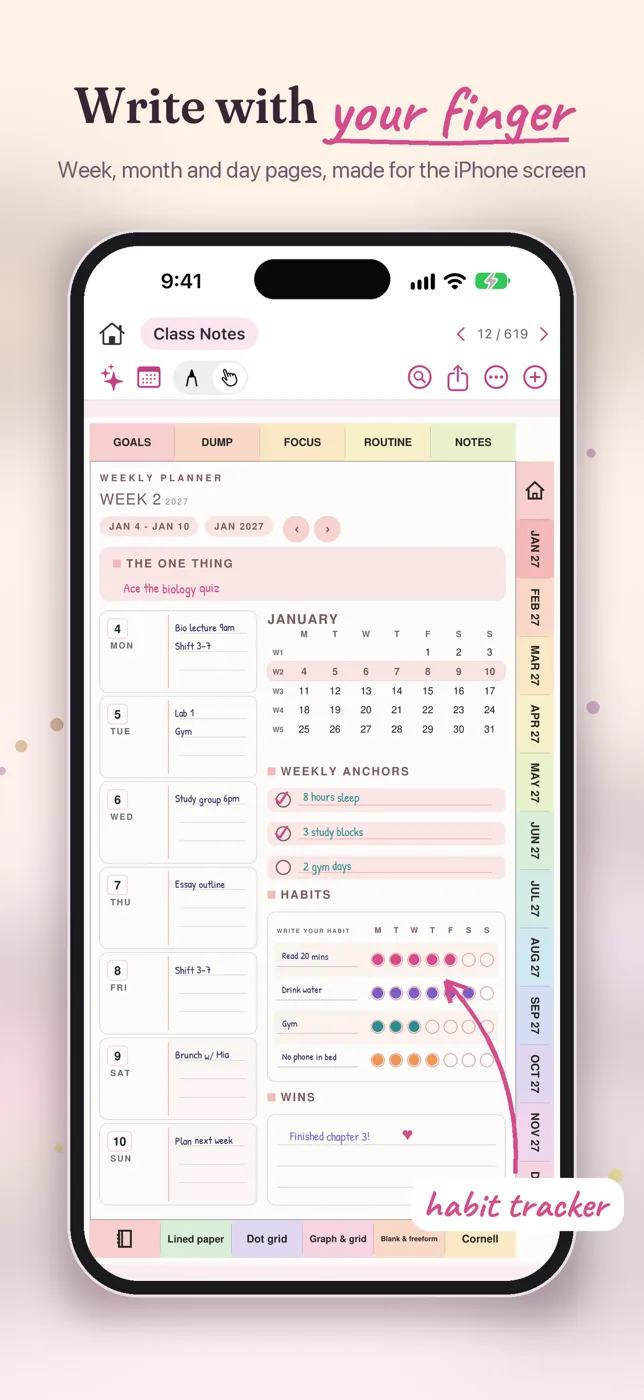
iPad and iPhone
Big pages for Apple Pencil on iPad, and a compact toolbar on iPhone where your finger writes. Turn on iCloud sync with Premium to keep your planners on all your devices.
Plans
Start free
Prices in US dollars, as shown on the app's Plans screen. Subscriptions renew automatically unless cancelled at least 24 hours before the end of the period.
Free
$0
Start here
- The full planner builder
- A plain planner of up to 12 months, free
- A customised or longer planner: one-time $3.99
- Templates: $1.99 each
- All the writing tools, starter stickers and Math
Essential
$9.99 a year
or $4.49 a month
- Unlimited books and planners
- Starter StudioX planners and templates
- Other templates $1.99 each
- Themes and saved brushes
- Share whole planners
Premium
$29.99 a year
or $7.99 a month · 7-day free trial
- Everything in Essential
- All StudioX planners and templates
- Ask Sunny
- Calendar and reminders on your pages
- iCloud sync across your devices
- Recordings, speech to text and scanning
No ads
Nothing on your pages but your plans.
No tracking
No analytics and nothing sold.
No sign-in needed
Signing in is optional, and your details stay on your device.
Read the privacy policy or the Sunny user guide.
Questions