Free to download
Free student planner
Six pages for a whole term: the semester, your timetable, assignments, exams, grades and lecture notes. Undated, portrait, and yours to keep: no watermark, no email address, no account.
- 6 pages
- Undated, any term
- Portrait
- No watermark
- No email needed
Yours to keep ✿
Inside
6 pages, one for each part of a term
Each is one page in the file. Duplicate the ones you need more of.
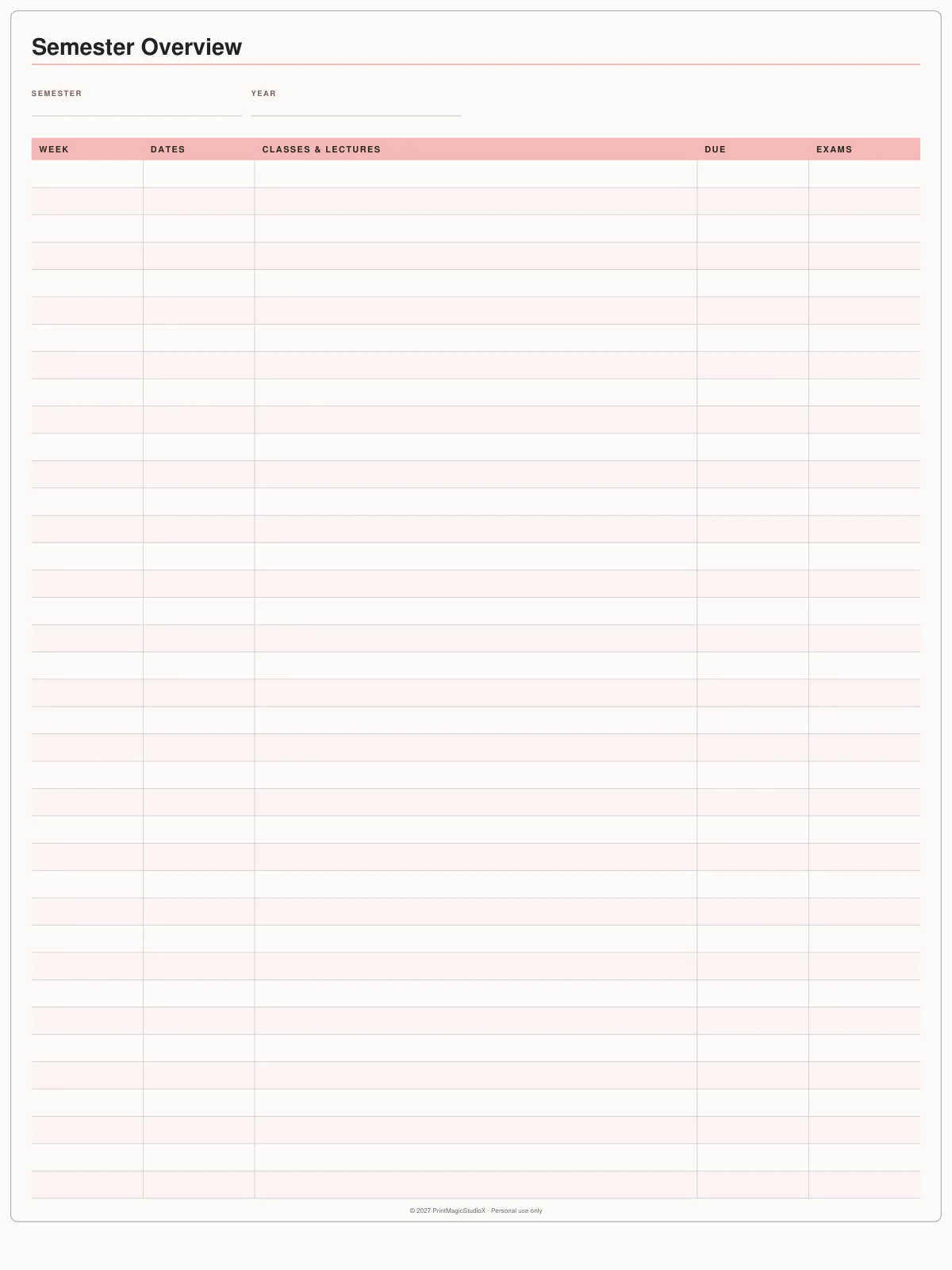
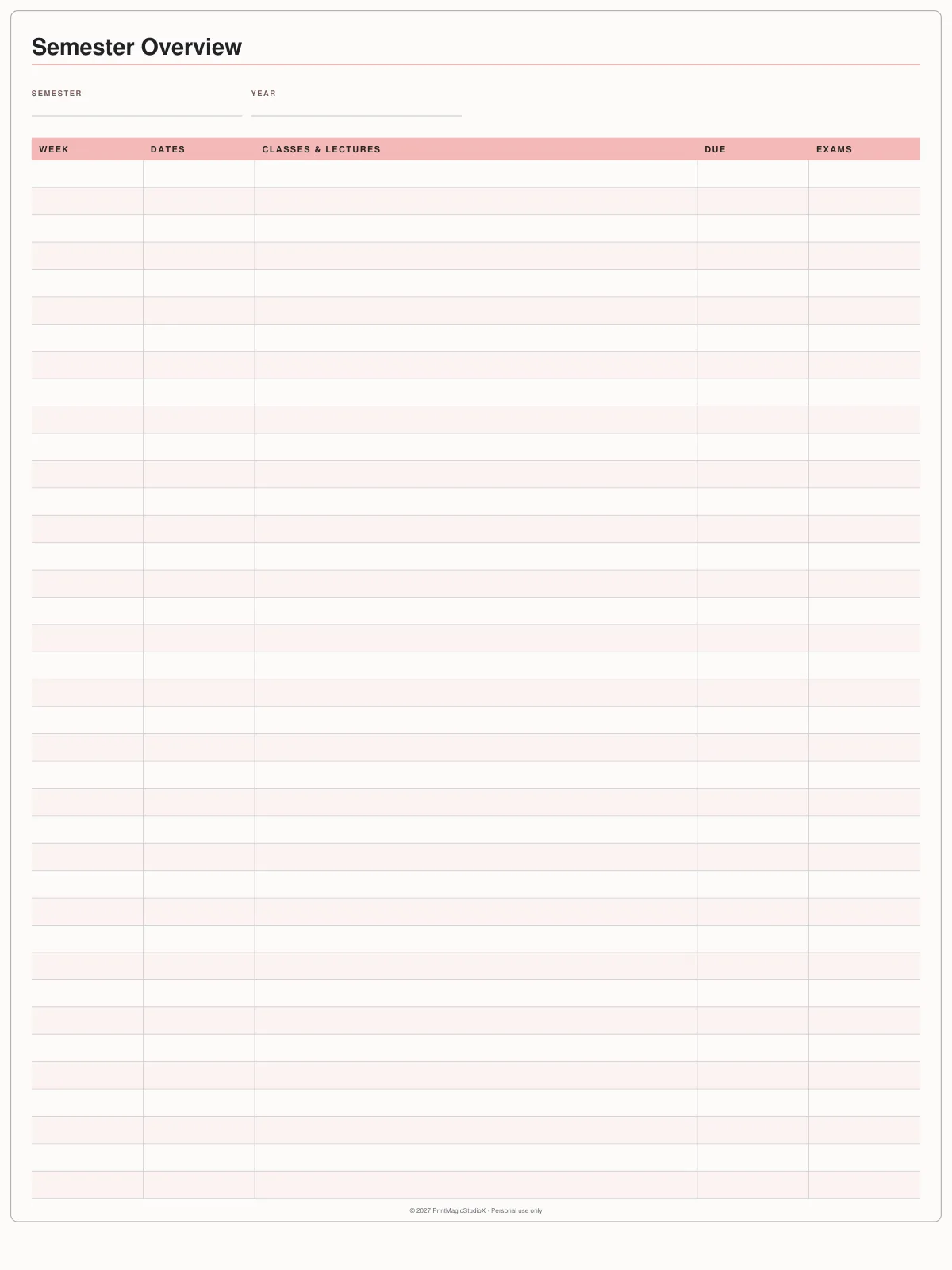
Page 1
Semester Overview
Every week of the term: dates, classes and lectures, what is due, exams.
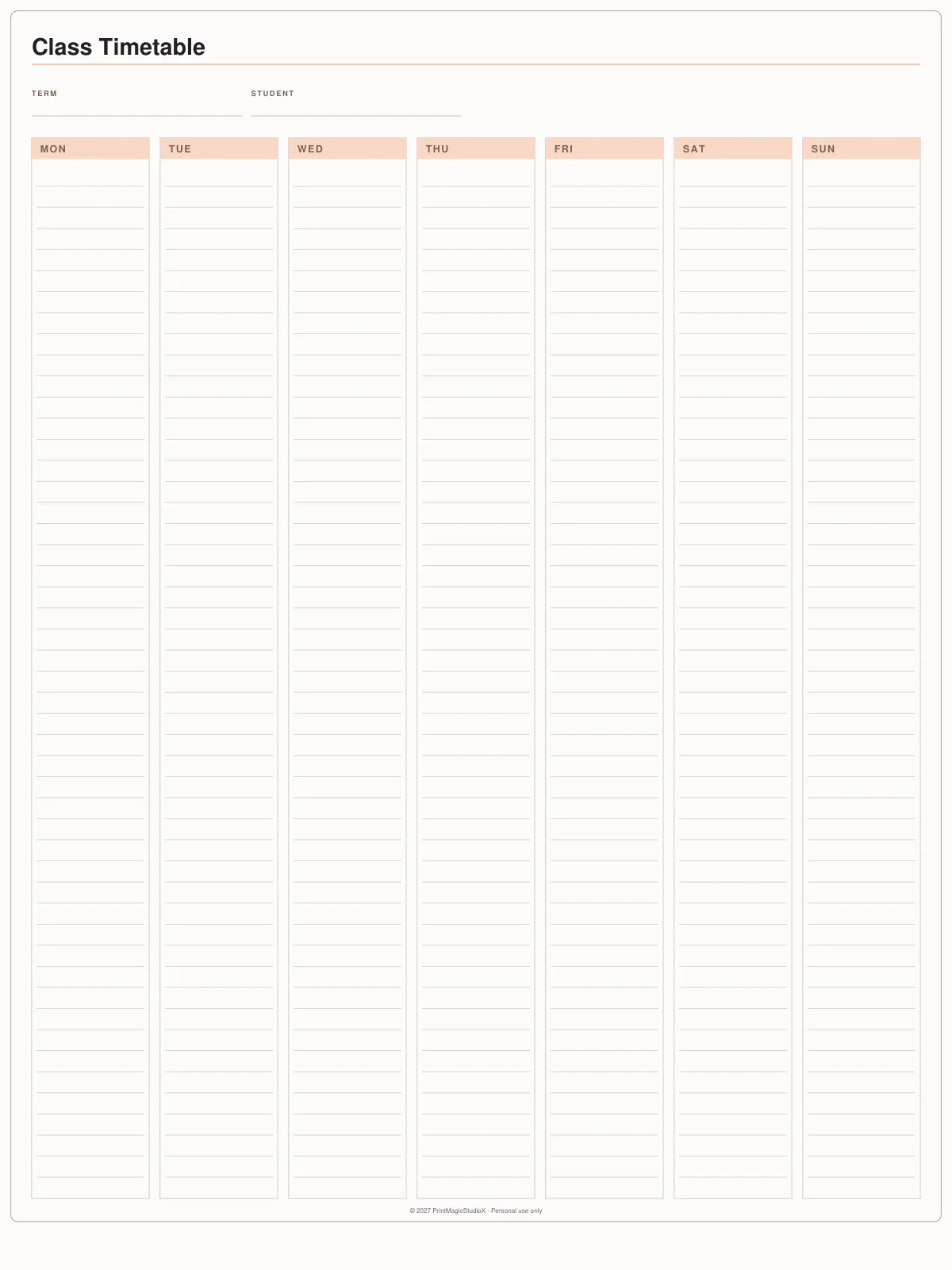
Page 2
Class Timetable
Seven ruled day columns, Monday to Sunday, for your classes.
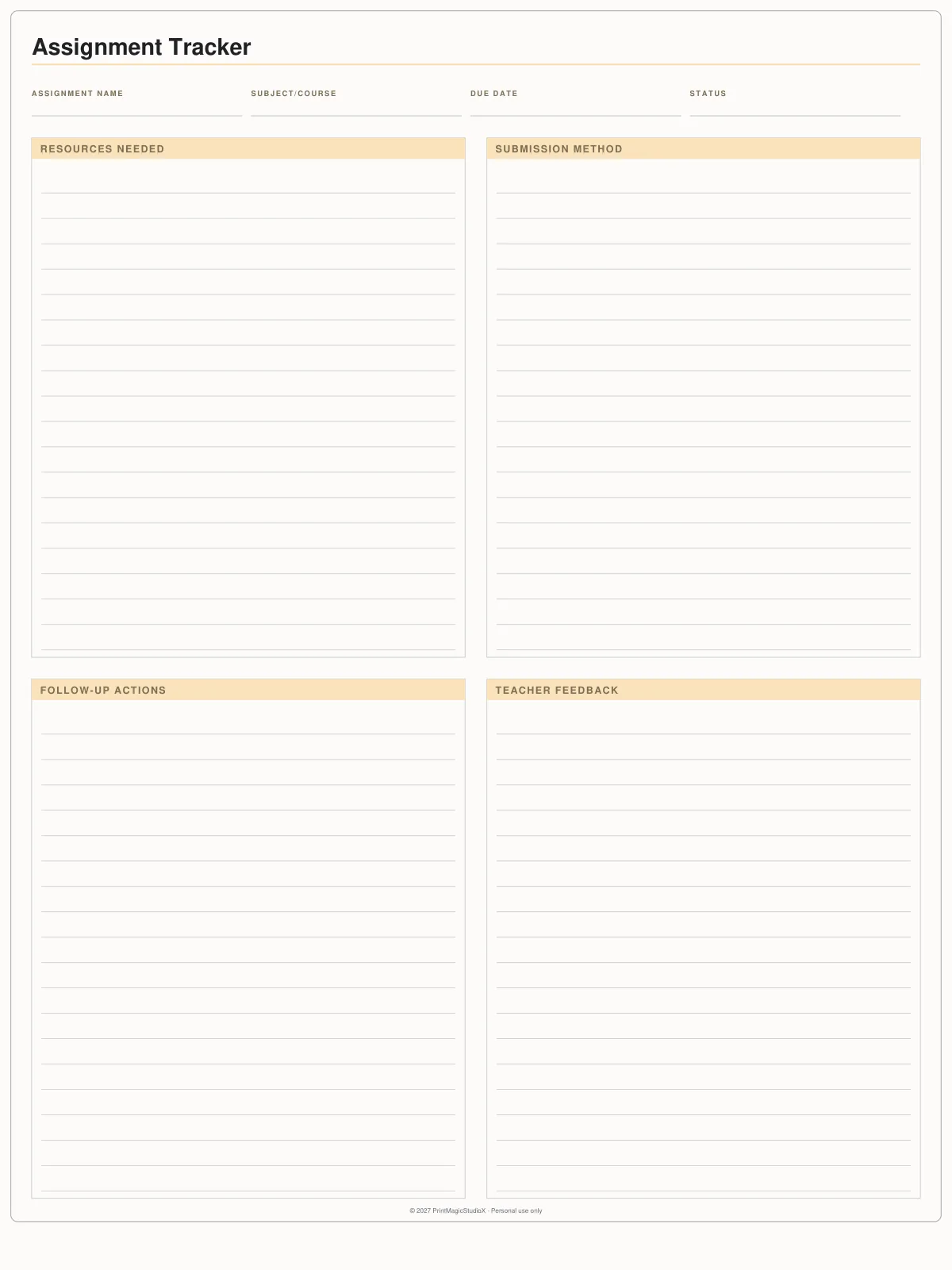
Page 3
Assignment Tracker
One assignment a page: resources, submission, follow-ups and feedback.
Page 4
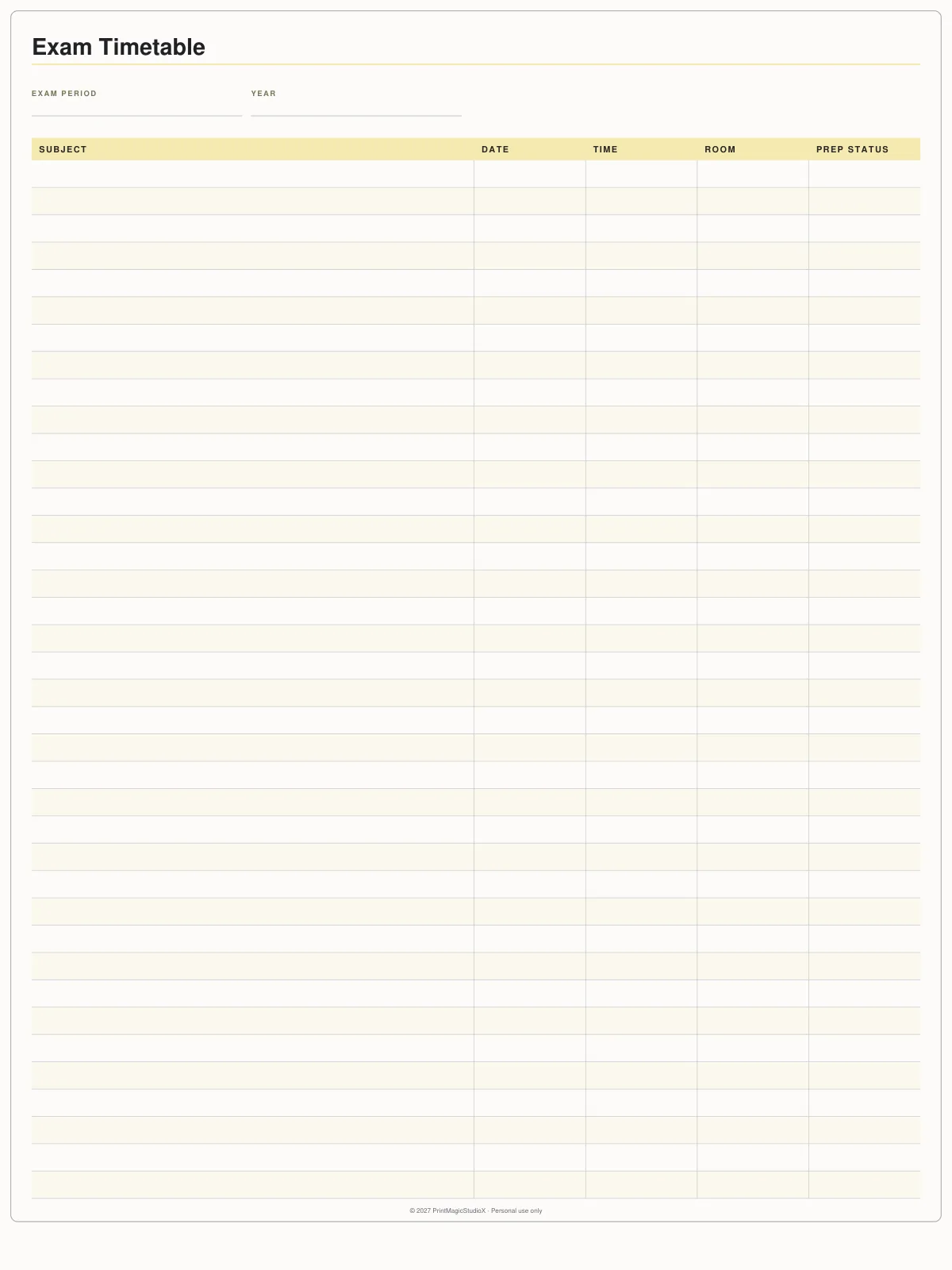
Exam Timetable
Each exam's subject, date, time, room and how ready you are.
Page 5
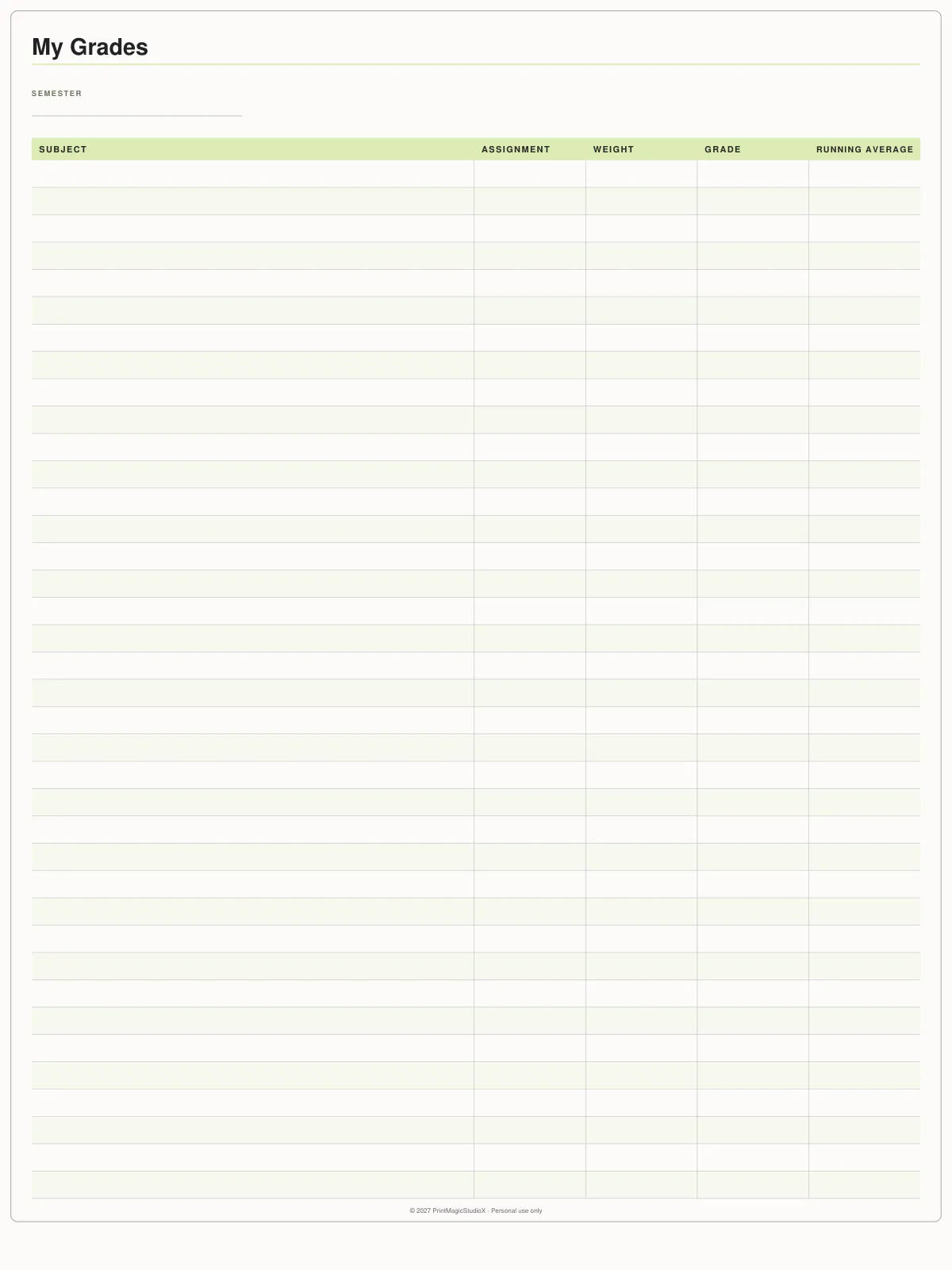
My Grades
Each assignment's weight and grade, with the running average.
Page 6
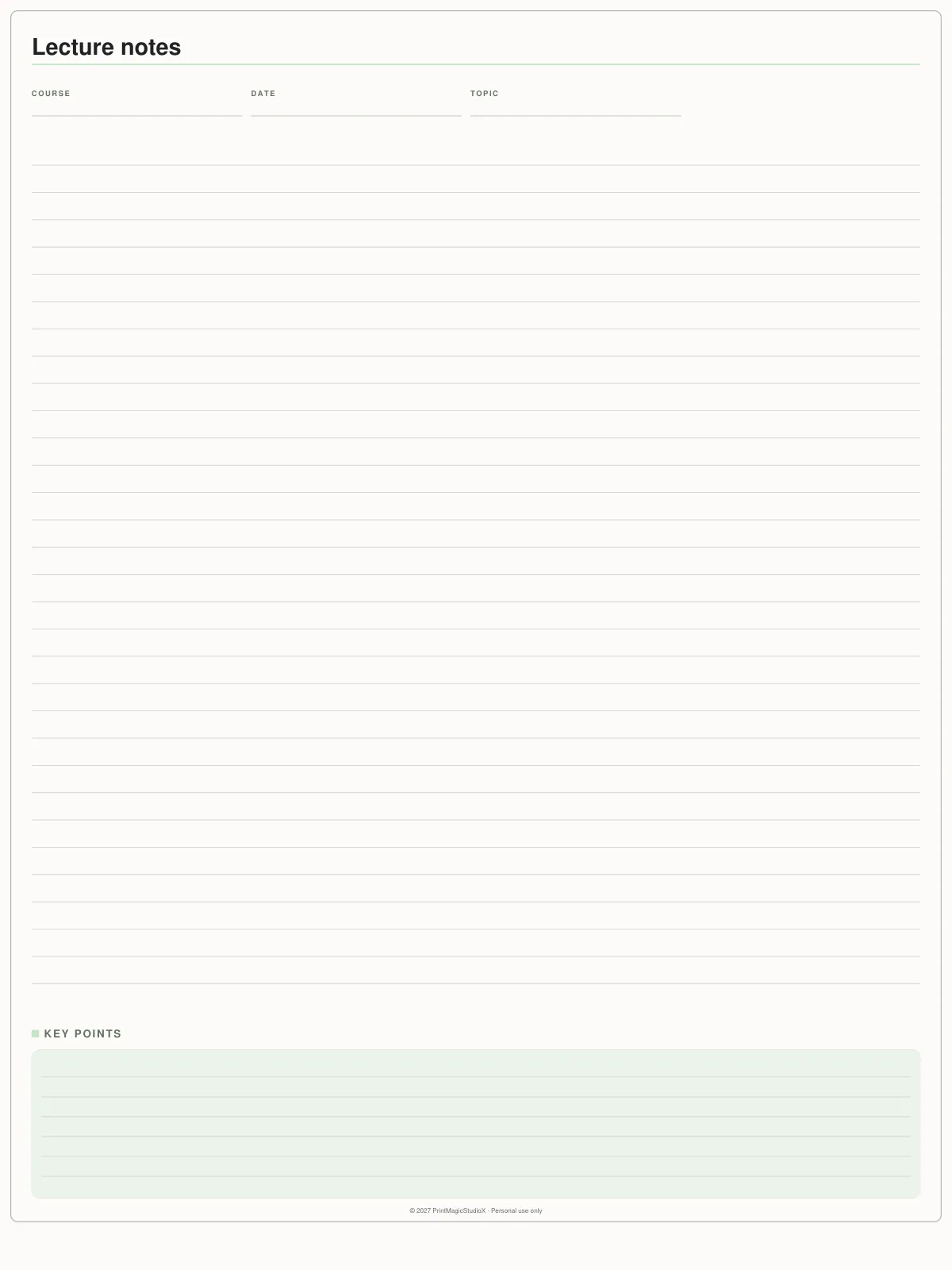
Lecture Notes
Ruled notes under course, date and topic, with a box for key points.
What it is for
A whole term, in the order you use it
A term on six pages, in the order you reach for them. The Semester Overview gives every week a row for its dates, its classes and lectures, what is due and any exams, so the whole term sits on one page you keep coming back to. The Class Timetable lays the week out Monday to Sunday. The Assignment Tracker takes one assignment a page, with room for what you need, how to submit it, what to follow up and the feedback you get back. Then an Exam Timetable, a My Grades page that keeps each mark's weight beside a running average, and ruled Lecture Notes with a box for the key points. It is undated, so it fits any semester, trimester or term, and portrait, the shape of a notebook.
How to use it
- 1.Open the PDF in GoodNotes and import it as a new notebook.
- 2.Fill in the Semester Overview first: a row for each week, with what is due and when the exams fall. It is the page you will come back to most.
- 3.Write your timetable once, at the start of term.
- 4.Duplicate the Assignment Tracker once for each assignment, and Lecture Notes once for each class — in GoodNotes, hold the page thumbnail and choose Duplicate.
- 5.Keep My Grades up to date as marks come back: each piece's weight and grade, and the running average beside them.
Questions
About the free student planner
Is the student planner really free?
Yes. It downloads as a plain PDF with no watermark, no email address and no account, and it is yours to keep.
What can I do with it?
Use it yourself, on as many of your own devices as you like, and print it. What you cannot do is sell it or give it away as your own: every page carries a 'Personal use only' line in its footer.
Is it dated?
No. Every page is undated, so it fits any semester, trimester or school term, whichever half of the world you study in. The dates are yours to write in as you go.
Can I print it?
Yes. It is a portrait tablet page (768 × 1024pt) rather than A4 or Letter, so print it scaled to fit your sheet.
Do I need GoodNotes?
No. It is an ordinary PDF, so it opens in GoodNotes, Notability, Noteshelf, Xodo, Penly, and any app that writes on a PDF, on an iPad, an Android tablet or a computer.
How do I get more pages?
Duplicate them in your app. The file holds one of each on purpose: duplicate the Assignment Tracker once for each assignment and Lecture Notes once for each class. In GoodNotes, hold the page thumbnail and choose Duplicate.
Shop by type
- Digital PlannersEvery hyperlinked planner we sell, for GoodNotes and iPadShop digital planners →
- 2027 Digital PlannerDated January to December 2027, Monday or Sunday startShop 2027 planners →
- ADHD Digital PlannerEvery section one tap away, brain dump to meds and moodShop ADHD planners →
- Student Digital PlannerAcademic year planners with assignments, exams and Cornell notesShop student planners →
- Productivity PlannerGoals, projects, time blocks and 26 productivity methodsShop productivity planners →
- Budget PlannerMonthly budgets, bills, debt payoff and savings trackersShop budget planners →
- GoodNotes TemplatesPlanner layouts, single pages and note paperBrowse GoodNotes templates →
- Digital StickersPNG sticker and clipart packs for your planner pagesShop digital stickers →
Guides
- GuideHow to choose a student digital planner for the 2026–2027 school yearAcademic or calendar year, the pages that matter, and where your notes should live.
- GuideHow digital planner hyperlinks work, and how to tap them in GoodNotesWhy a tap sometimes writes instead of jumping, and the one setting that fixes it.
- GuideDigital planner vs paper planner: which one suits you?An honest comparison: cost, carrying, finding pages, backups and the feel of paper.